

Artist Pro 16 2.5k calibration desperately needed!


I just got an Artist Pro 16 2.5k, and for the most part, it works nicely.
BUT... the point where the pen draws is a little bit down and to the right of the pen tip, hidden where I can't see it unless I hold the pen at an extremely unnatural backwards tilt and look from the side. If I do that contortion, I can readily join new fine lines to existing ones. If I hold the pen normally I have to guess where to put the pen.
Should be no problem, just use the pen position calibration procedure.... but apparently this feature that used to exist in the xppentablet "driver" UI is no longer there. (The "Calibration" button has been replaced by the Floating Menu button, it seems.)
So what is the current way to solve this pen position problem?

Follow
Product
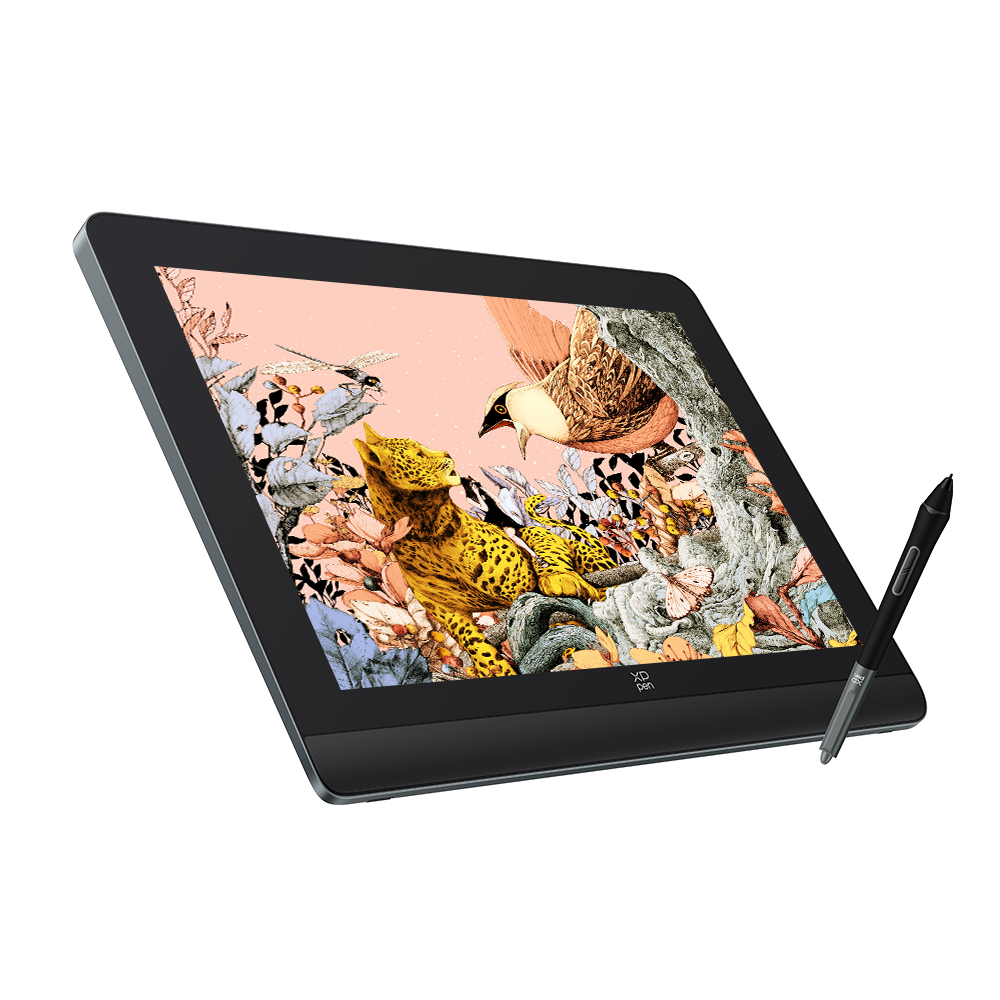 Artist Pro 16 (Gen 2)
Comments