
How to Optimize AI Workflows on an XP-Pen Tablet with an AI Laptop?


Hi everyone,
I'm currently exploring ways to improve my digital art and design workflow using my XP-Pen tablet, and I recently upgraded to an AI laptop to speed up my processes. I’m curious about how I can optimize the combination of these two for AI-based tasks like image enhancement, 3D modeling, and other creative projects.
Specifically, I’m wondering:
- What AI tools or software do you recommend for digital artists working with an XP-Pen tablet?
- How can I integrate AI features, like auto-enhancement or smart brushes, to speed up my digital art creation process?
- Are there specific laptop specs (processor, GPU, RAM) that would help enhance AI performance with XP-Pen tablets?
- Any tips on configuring settings in both AI software and XP-Pen tablet drivers to ensure smooth performance?
I’d love to hear how others are using AI laptops with their XP-Pen devices, especially if you’ve found any helpful setups or specific AI tools that make the process more efficient.
Thanks for sharing your thoughts!

Follow
How to Optimize AI Workflows on an XP-Pen Tablet with an AI Laptop?
18 Dec. 2025
9 0 0
Like
Collect
Share
Product
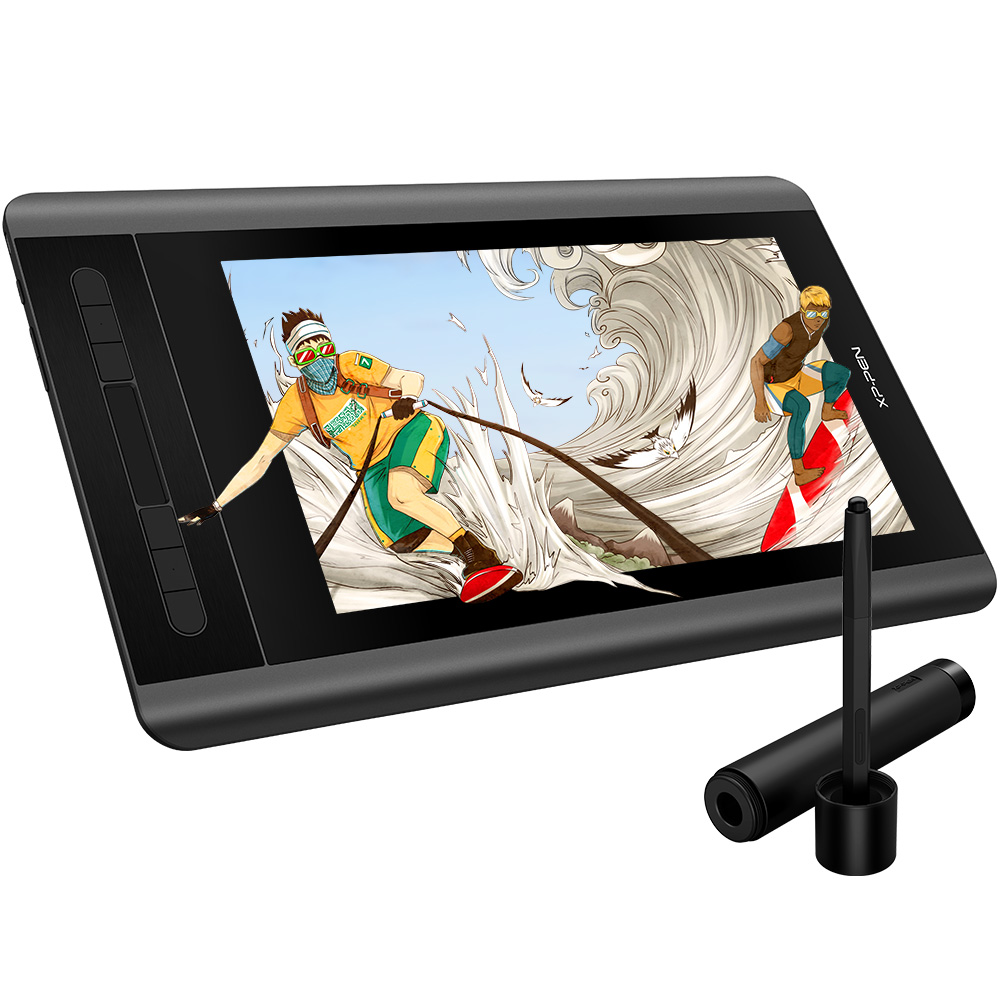 XP-PEN Artist 12
Comments