

I got an Artist 13.3 Pro for Xmas for my daughter, this is her (and my) first tablet; but I am an IT pro and am used to dealing with multiple screen setups, so this is wonky. I've Googled and have seen some ideas, but nothing specific or that has helped, thought I would ask here.
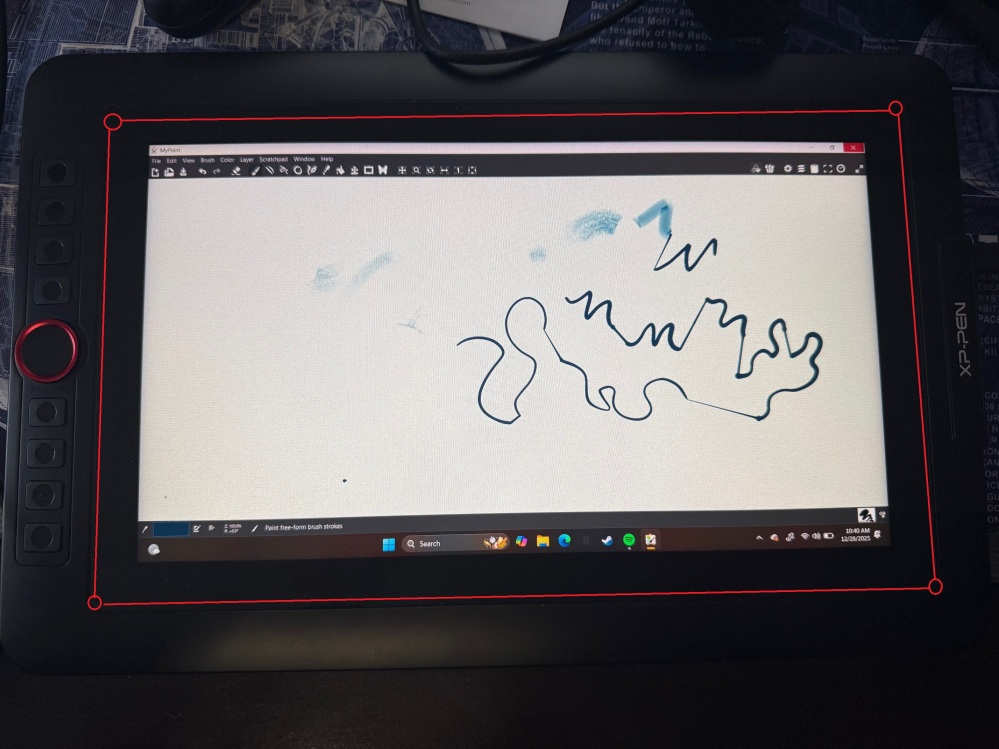
For some reason the display is not filling the tablet's entire screen, there is a half-inch black border around the way around entire the displayed content. I currently have the tablet set as monitor 2 in Extend mode, with scaling at 100%; but was getting the same result in Duplicate mode too. You can see what I mean in the photo, it's hard to see in all the black so I drew red circles at the screen corners and lines where the screen edges are...there's a lot of screen space that isn't being used by the display for some reason. Any ideas on how to fix? Other potentially pertinent info: Windows 11 gaming laptop with an Nvidia RTX 3050 onboard, and it's an Artist 13.3 Pro v1 with the split USB cable (two USB and one HDMI) not a v2. Windows is fully updated and I'm using the latest xp-pen driver (from October 2025 I believe).

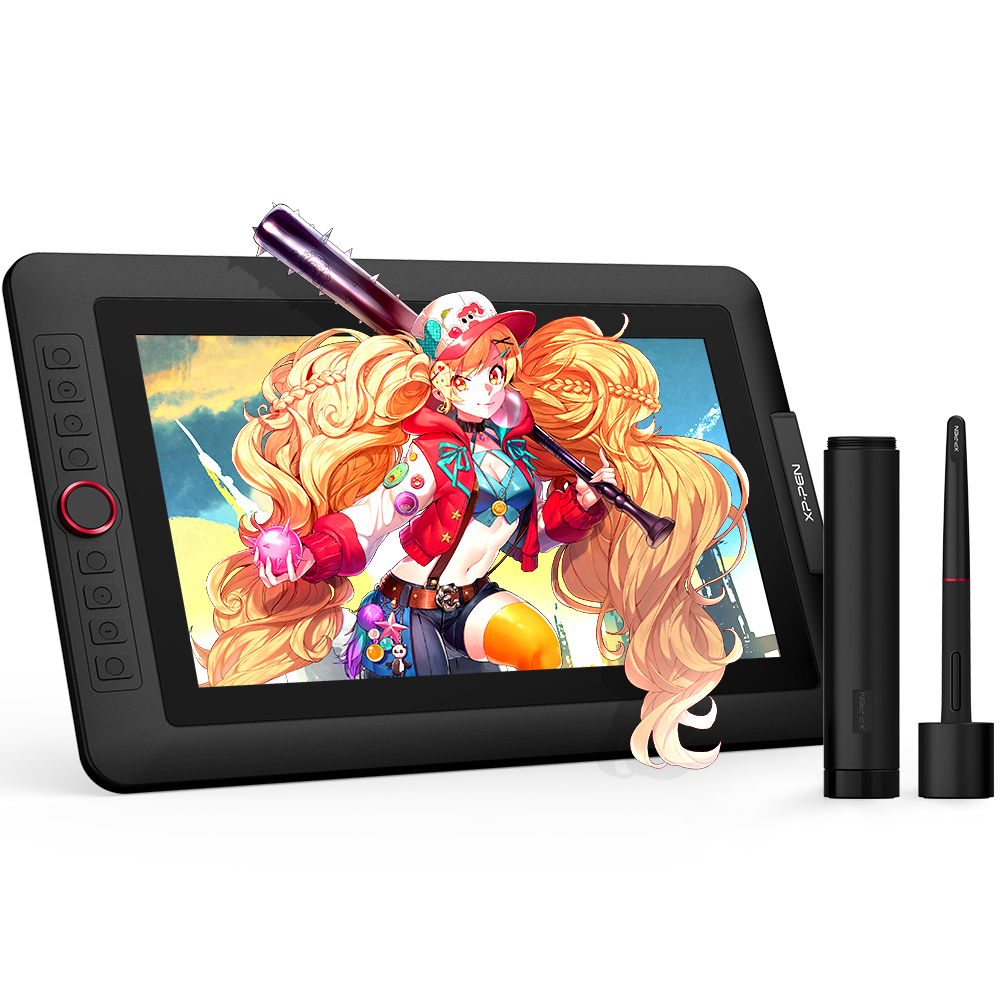 XP-PEN Artist 13.3 Pro
Comments