

Even when I’m not doing digital art, I can still use my XPPen equipment for traditional art.
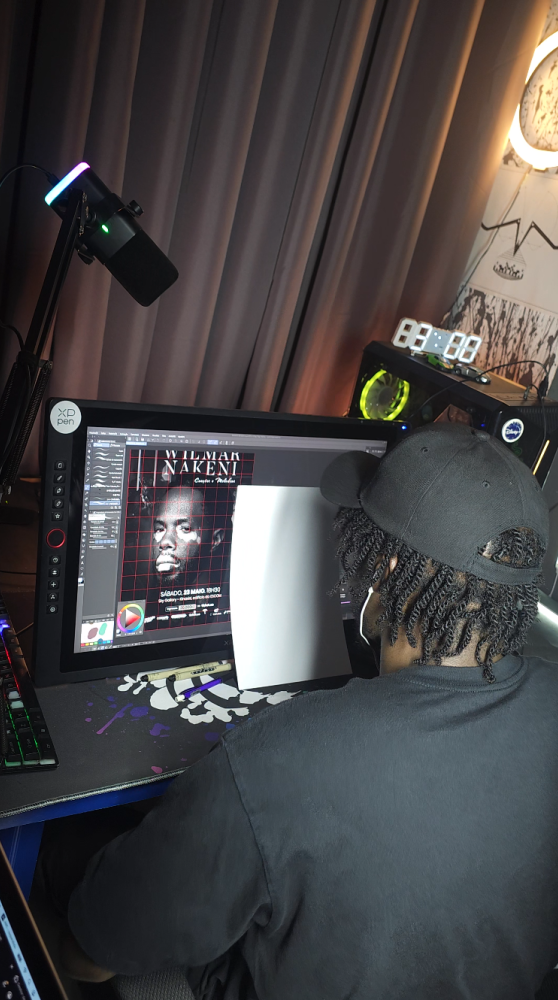
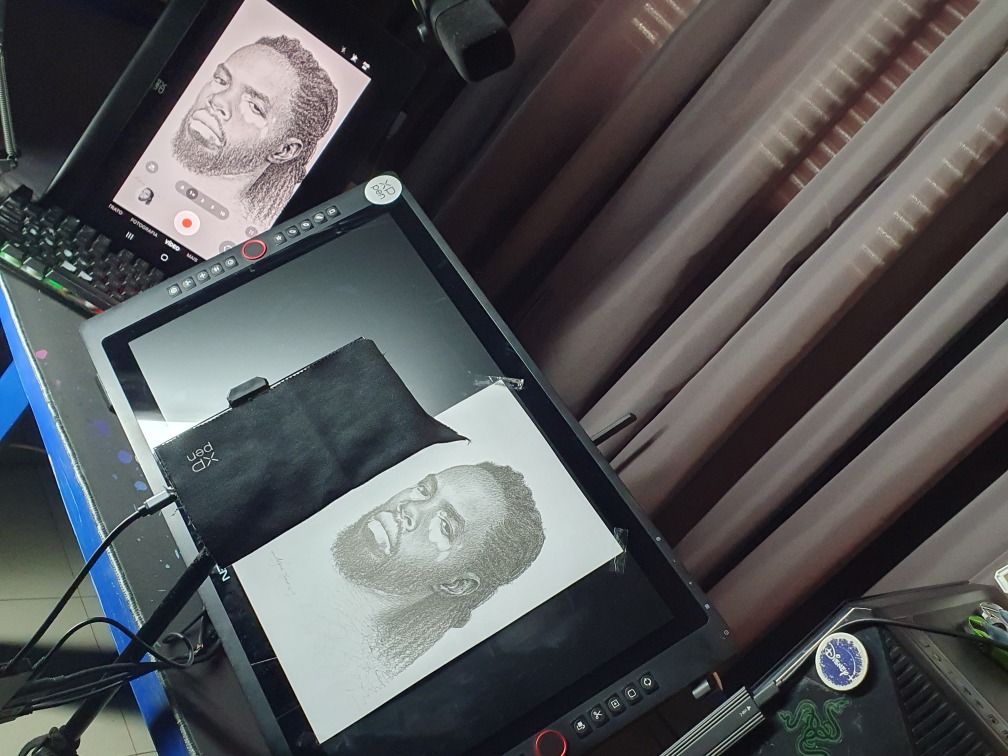
I used my XPPen Artist 24 Pro as an adjustable-angle table, placing the sheet of paper on top. Since it has a huge 24-inch screen, I was able to place the reference art on the left and my A4 sheet of paper to the right of the XPPen Artist 24 Pro screen, which allowed me to draw comfortably.
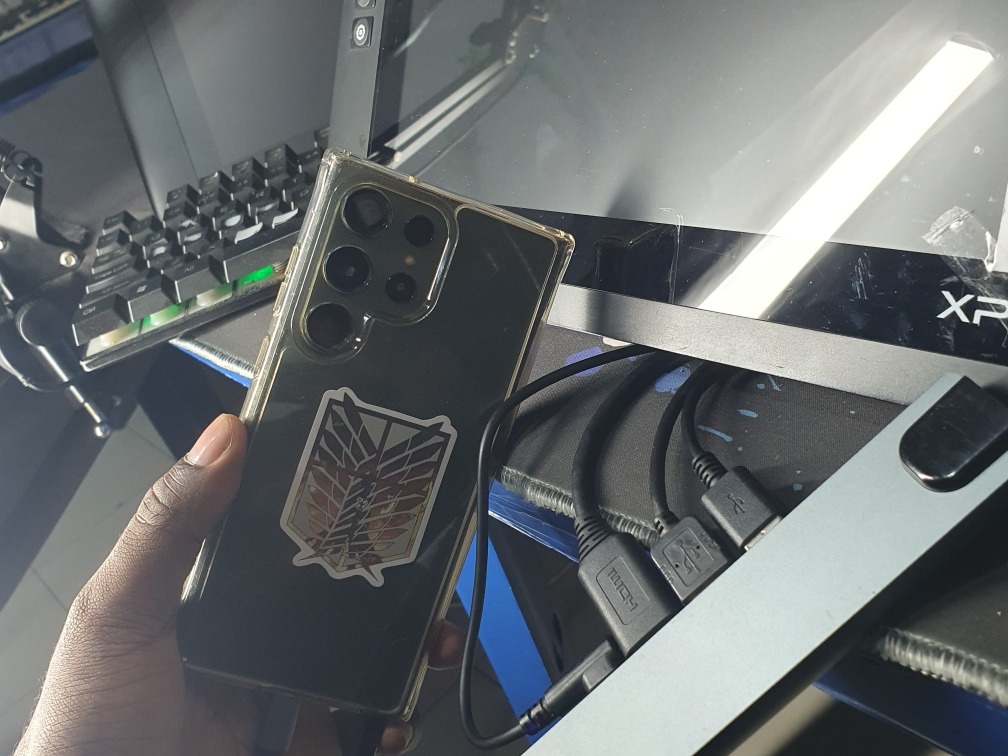
As for the recording, the smartphone I used to record has a cracked screen, as you can see in the image. I used my XPPen Artist Ultra 16 as a second monitor for the smartphone, since this XPPen device has a 4K OLED touchscreen; it was able to faithfully reproduce the quality of my Galaxy S23 Ultra, which has the same screen specifications in these aspects, with the main difference being the larger size of the Artist Ultra 16.
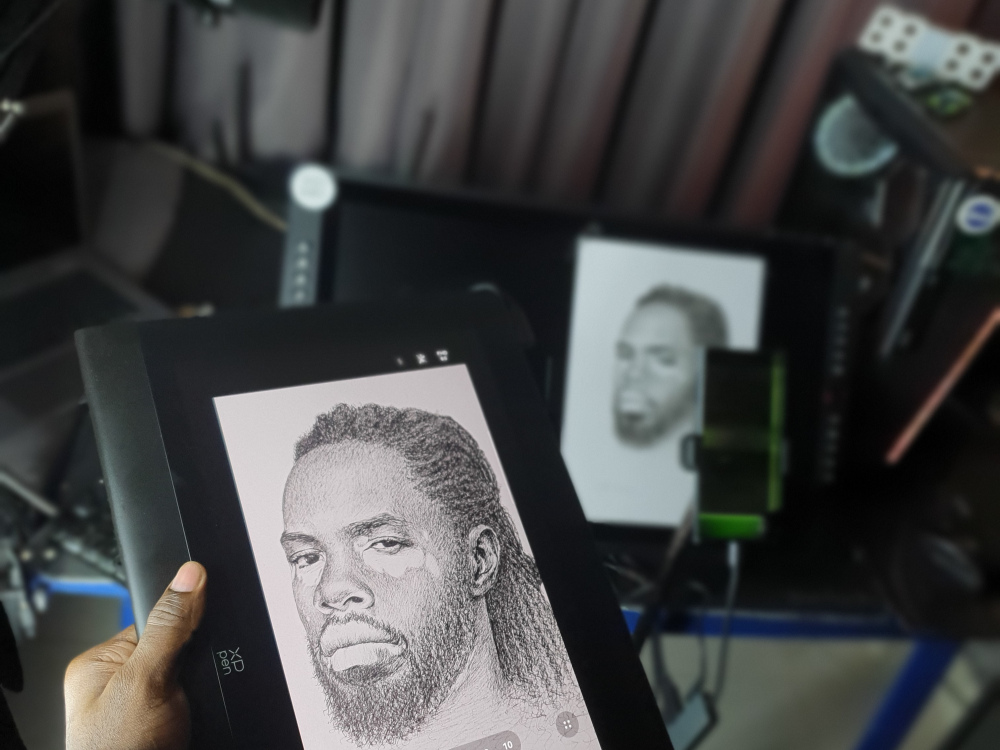
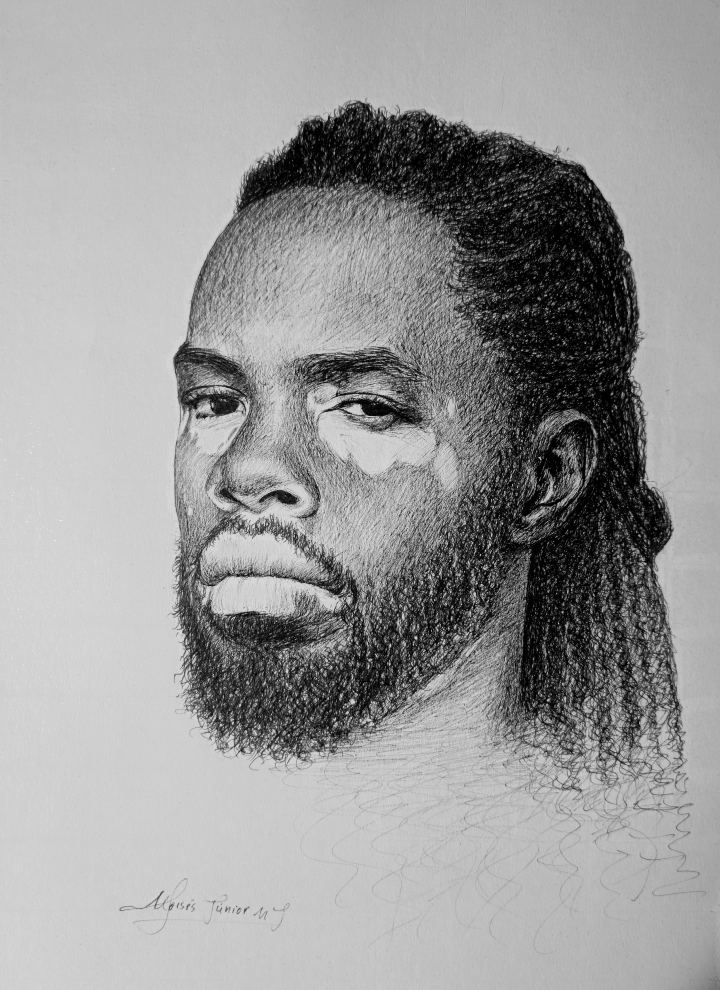 This was my fastest pen-and-paper artwork ever, and I managed to complete it in just under 5 hours.


Comments