


Hi, everyone! Today I'm here to give a 'tiny' review of the XPPen Deco 640 (^_^)
I got the device thanks to the Strange Little Things event! I was surprised when I saw the email ha, ha!
The Deco 640 is one of those devices I've always been interested in trying because of its compact size, which allows you to move from one side of the canvas to the other in an instant, thereby reducing wrist strain.
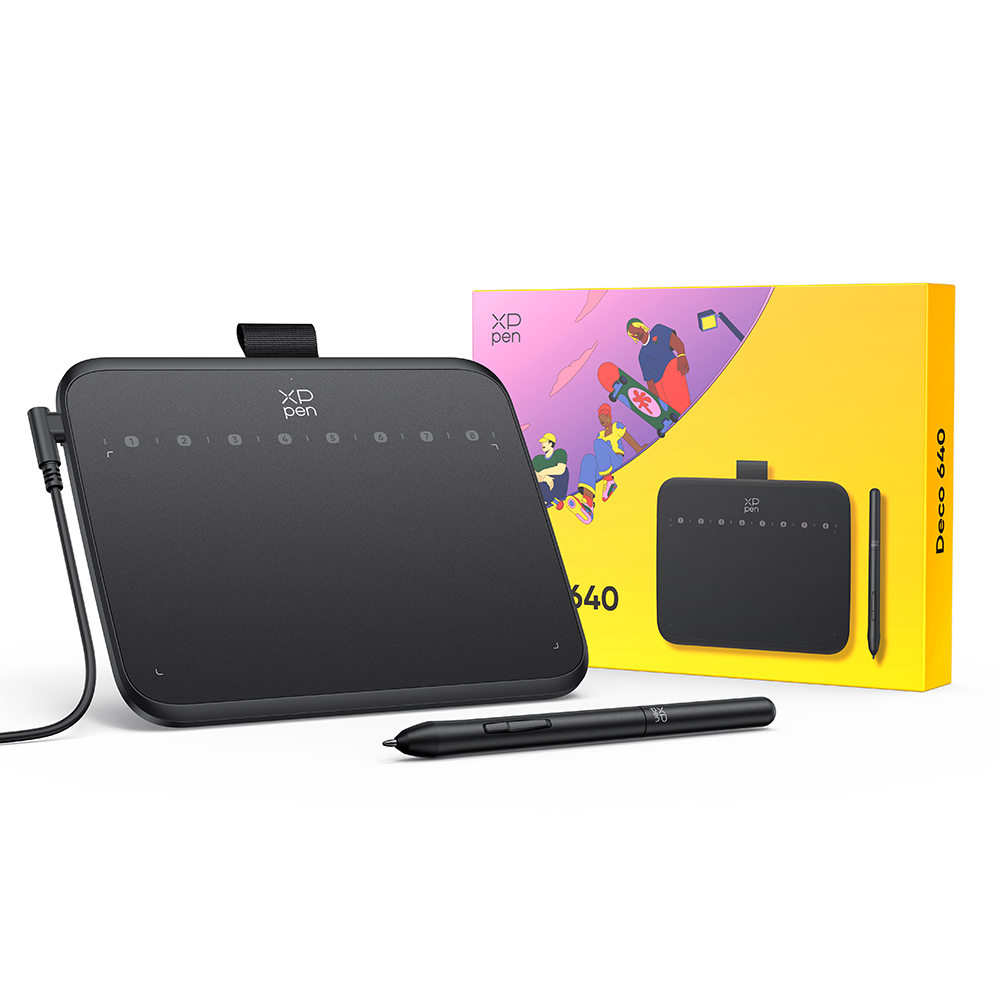
Before I get into the review, here are some photos of what's inside the package, which I personally think is very nice 💖
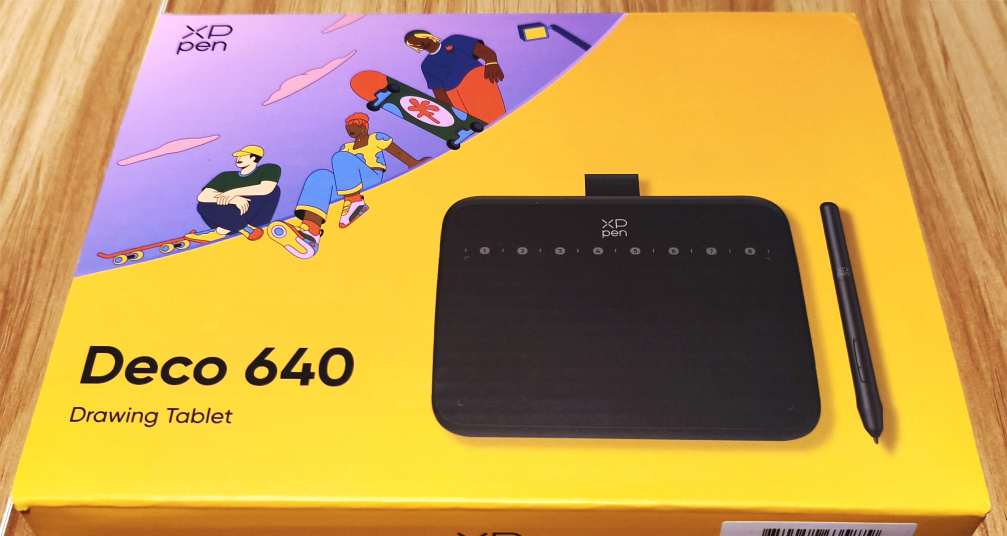
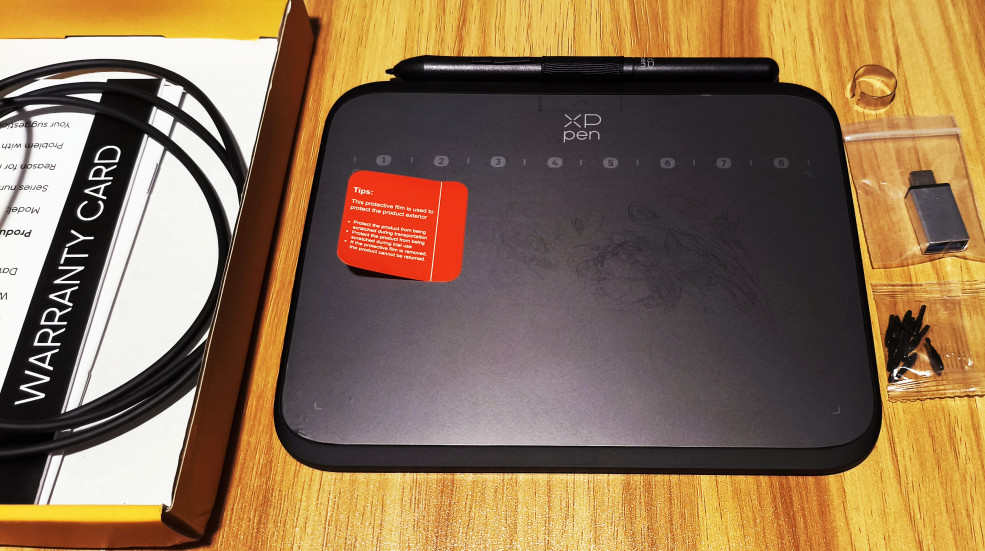
The tablet reminded me of my first graphics tablet, including the feel of the stylus; however, since it’s newer, its features are superior and it comes at a lower price. Don’t remove the included screen protector until you’ve tested the product first—which I recommend doing—but once you’ve finished testing it and verified that it works properly, I do recommend removing it because it causes bubbles, and the drawing experience is compromised with the protector on.
One of my biggest fears when I got my first graphics tablet was that it would get scratched, which led me to try different screen protectors to prevent that. Once I decided to remove it, the drawing experience improved significantly, and it didn’t get scratched at all, so I can assure you that it’s very unlikely to happen (unless you press the stylus too hard or don’t clean it after use).
I first tested the device on my cell phone to see if it worked, since it didn’t require any drivers, but keep in mind that you need to rotate it 90° to the left to align with the active area.
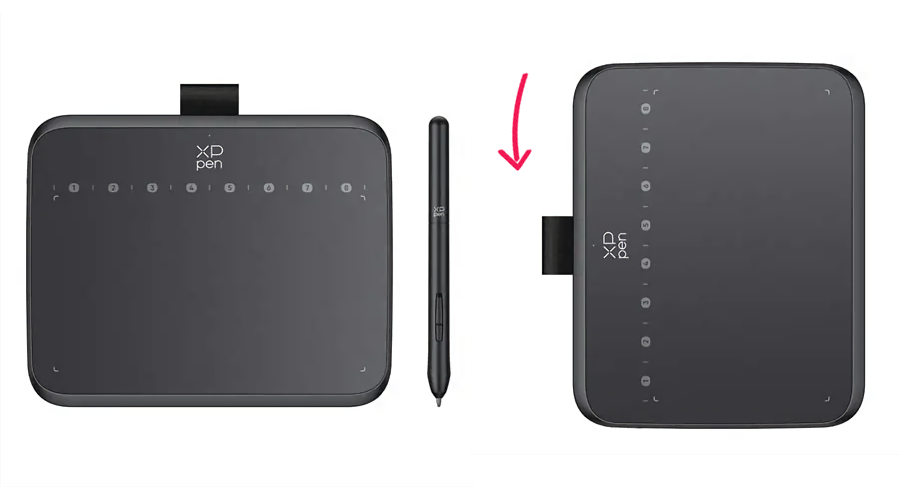
The 8 shortcuts it has aren't physical—they're virtual—so you have to move the stylus over the icon to activate them. Although I found the idea of virtual shortcuts interesting, I ran into some issues when testing them because some wouldn’t activate—and it’s not because the device is malfunctioning! It’s because, as I mentioned, the Deco needs to be rotated, but my tools were arranged on the left, so I’d accidentally select a tool instead of the shortcut :S
(The program I used was Clip Studio Paint in Studio mode, but if you use Simple mode, this shouldn’t happen).
I also wanted to know what the default shortcut settings were, so I’ve included the list here so you can customize the program’s shortcuts if you plan to use it on Android or iOS!
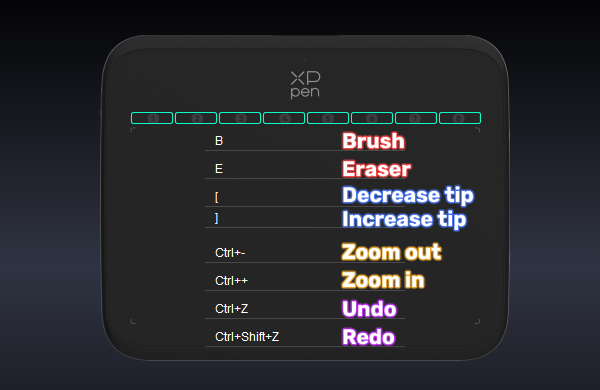
(The stylus buttons are used to activate the eraser; by default, they function as the mouse right-click).
When I tested the Deco 640 on a PC, I did notice an improvement in the drawing experience because I had the entire active area available horizontally. One of the things I liked most was the texture of the surface itself, which is slightly rough, like a sheet of paper. The virtual shortcuts also worked perfectly when I placed the stylus at the top, avoiding the issues I had on my cell phone.
By the way, I already had the XPPen drivers installed because I’d been using the Artist Ultra 16, so I didn’t have to uninstall them for the Deco to work. So if you have another XPPen device, you only need to install the drivers once (unless the device is new and you need the new drivers that support it).
With regard to the stylus movement in proportion to the aspect ratio, I felt like the stylus moved a little faster than I expected, though I assume it’s just a matter of getting used to it.
I adjusted both the stylus pressure and the shortcuts on my PC to see if they would change on my phone, but the changes don’t carry over to other platforms. What I did notice is that after trying the Deco 640 again on my phone, I felt more comfortable—the shortcuts no longer caused me any trouble when I pressed them. I like the idea of virtual shortcuts, but with physical shortcuts these problems don’t exist—Although I understand that the device needs to be small and lightweight.
I have nothing more to add other than that today’s options are much broader and more accessible, with better features than just 10 years ago! So if you’re just starting out in the digital world, the Deco 640 is one of the best options right now!
And what better time to take advantage of it than with the new purple color that just came out :D

 Deco 640
Comments