


Hi, everyone! Today I'm here to review the XPPen Drawing Display: Artist Ultra 16
Today marks 9 months since I received this pen display, so I've had the chance to thoroughly test out all the features it has to offer, and I'd like to share my experience with you :)
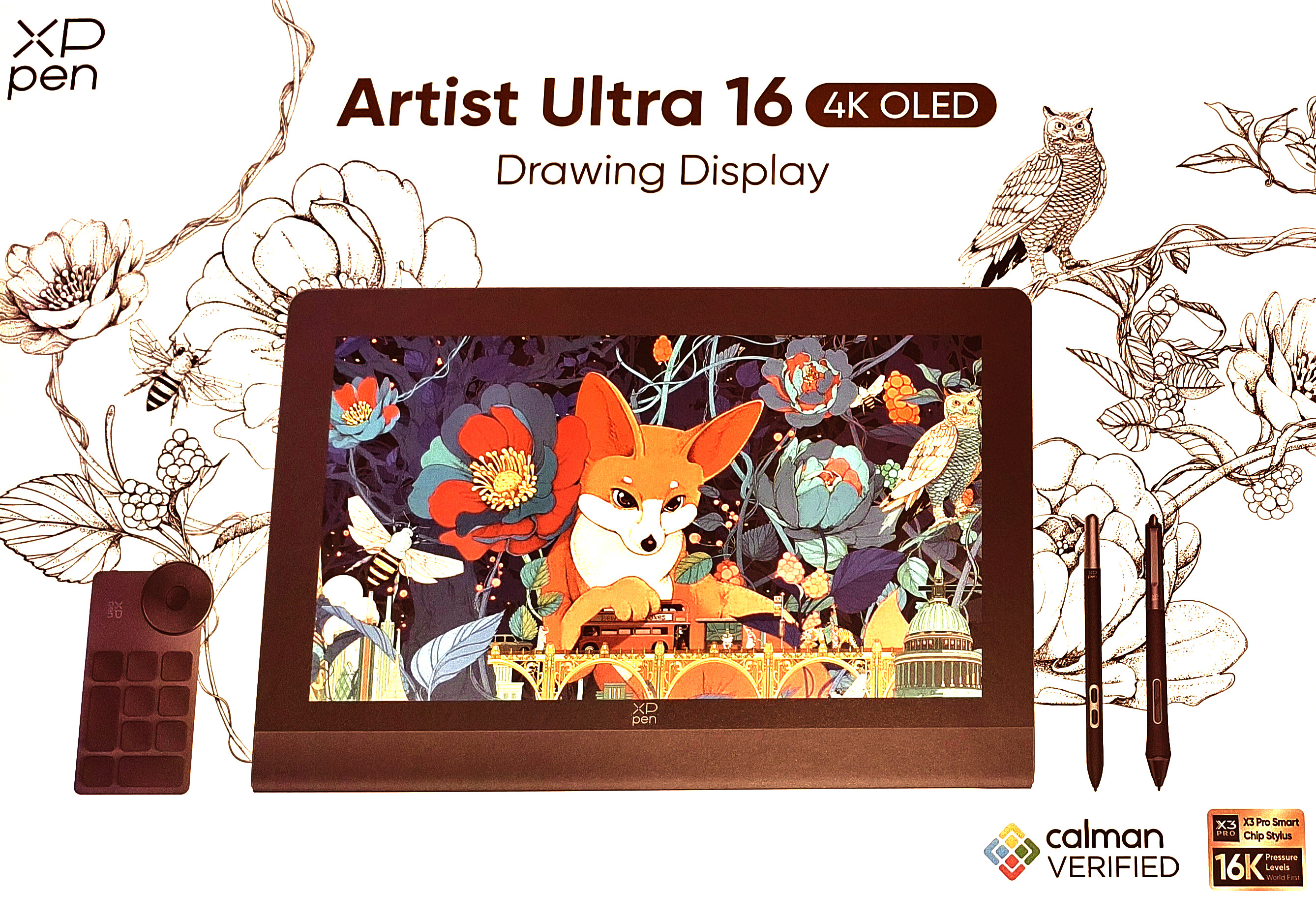
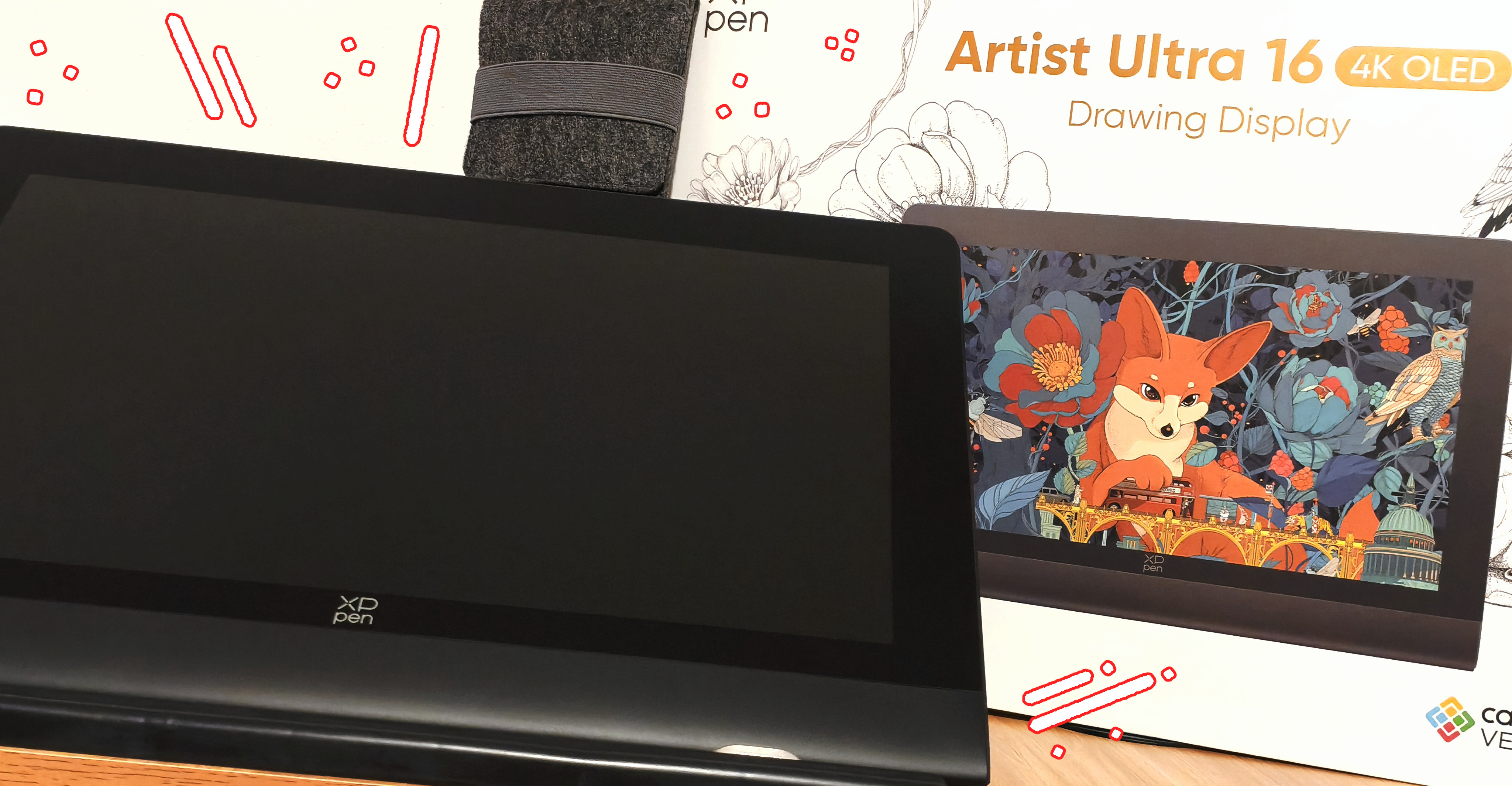
The first time I picked up the display it felt like a high-quality product: the box, the packaging, the color calibration report, the case for both styluses... I loved it! 💖
I wasn't sure if the color calibration report differed across devices, so I started looking into other videos and reviews that covered this topic. I have to say that I ended up with a very interesting unit, with an Adobe RGB Avg. Delta E of 0.97, whereas the models I saw had values of 0.99, 1.01, and 1.07.
To understand the meaning of Delta E, I will include information from the Profesional Review website, by author Breixo Gómez:
From 0 to 1, it is not perceptible to the human eye.From 1 to 2, it is perceptible upon close observation. Therefore, a professional might be able to detect it.From 2 to 10, it is perceptible at a glance.From 11 to 49, the colors are more similar than opposite.When the value is 100, the colors are completely opposite.The XPPen website specifies that the units have a Delta E<1.1 (these are average values and apply only to Adobe RGB). Therefore, all units have color differences that are imperceptible to the human eye 👀
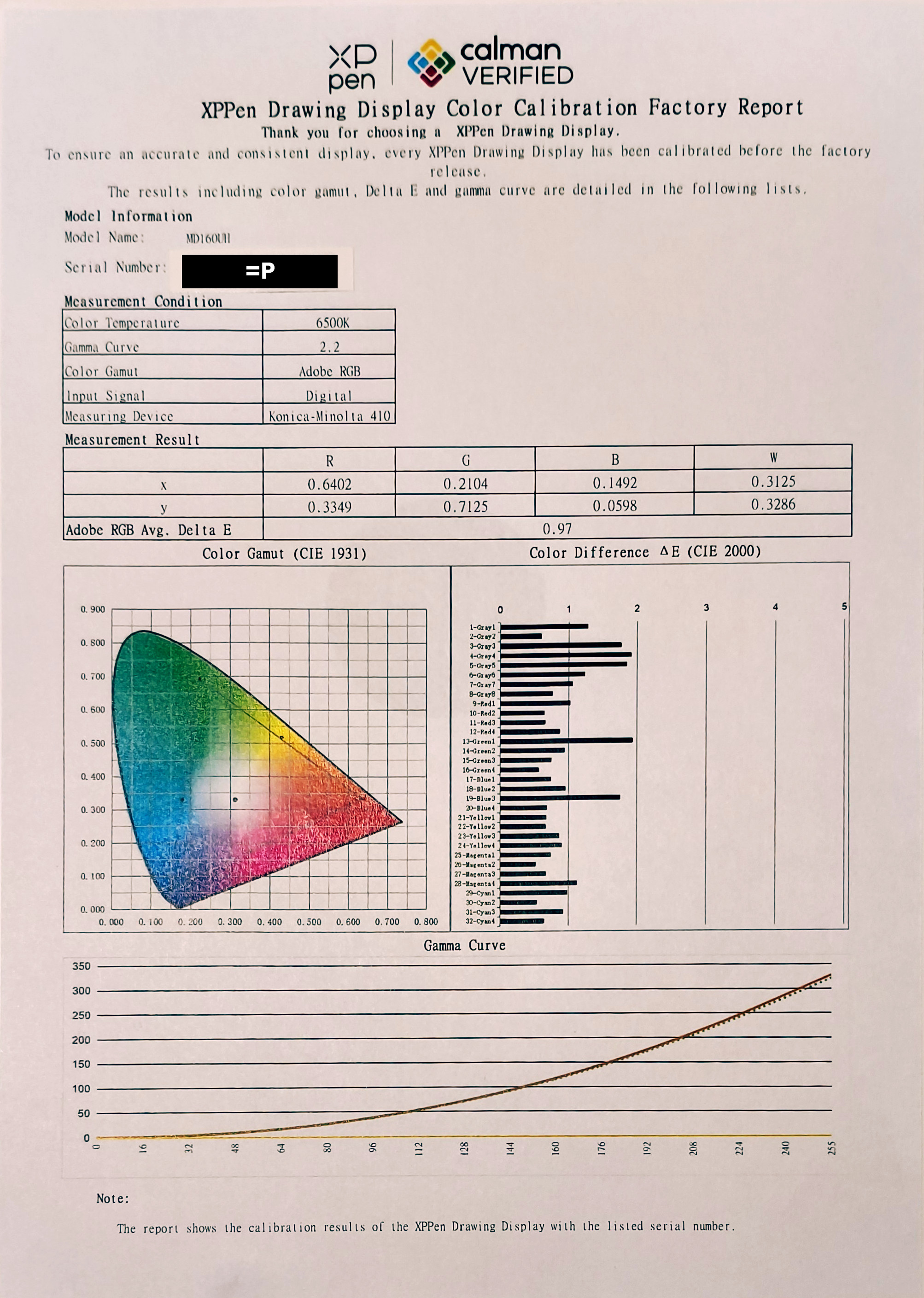
The display itself is well-built, but it’s also true that it can sometimes feel like it “creaks”. I’m not quite sure why that is, and it doesn’t bother me personally, but it’s something to keep in mind because, when you hold it in your hands, it can feel “less premium” than it actually is.
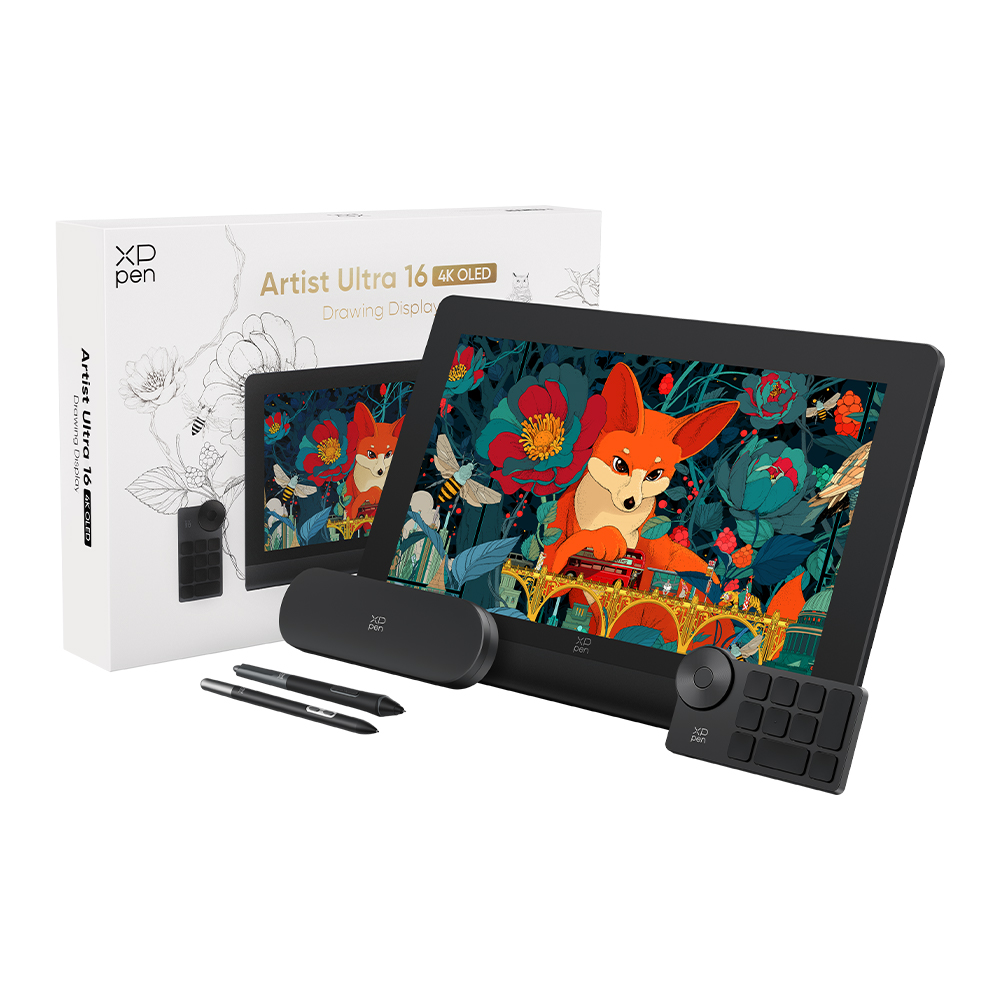
What I loved about the unboxing were all the accessories included in the box: from the stylus case, the cables, the reinforced glove, the replacement nibs, the ACK05 Shortcut Remote... It’s those little details that make buying a graphics tablet feel like a complete experience, so you don’t have to worry about anything other than plugging it in.
And speaking of connecting the tablet, I have to admit that graphics tablets with displays are the most complicated to connect. The most common problems are that the HDMI doesn't detect the screen, that the screen resolution isn't correct, or that the power supply is insufficient... My recommendation is that you first check the product specifications and manual to make sure you'll be able to connect it without any problems.
This is especially useful to know if you need to use the device at high brightness in a remote location or on a laptop, because this model has the European Union’s ENERGY Label with an E rating (10kWh/1000h), as stated on the "EU energy labelling requirements" web page: from class A (dark green), representing the most energy-efficient products, to class G (red), which are the least efficient.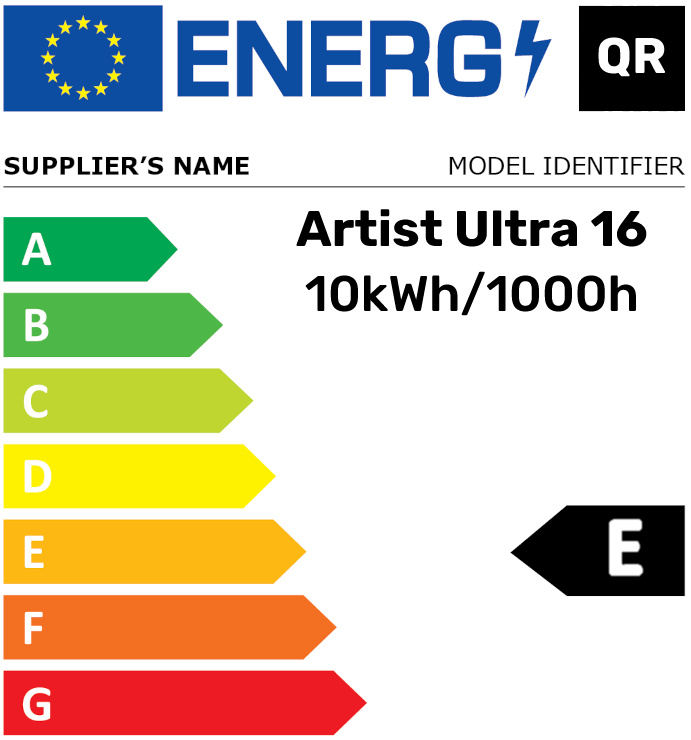
Another thing I liked about the tablet's design is the included stand. It's up to you whether you want to attach it or not. Personally, I already have a portable stand (ACS05), so I didn't feel the need to attach it to the tablet, but it's nice that it comes separately to make the pen display lighter.
The Artist Ultra 16 display is without a doubt the best I've ever seen. Color accuracy is one of the things that has troubled me the most throughout my journey in digital drawing, since you have to make sure colors are consistent across all devices. Some screens lean more toward red, others toward blue, but having that assurance that the colors will be reproduced close to how you envisioned them is very rewarding.
A few minor details I should mention are that, at least in my case, the X3 Pro Smart Stylus has a slight issue when lifting the tip off the display—an issue known as "drawing while hovering". It’s minor but noticeable from time to time, so I had to adjust the pressure curve to mitigate the problem :S
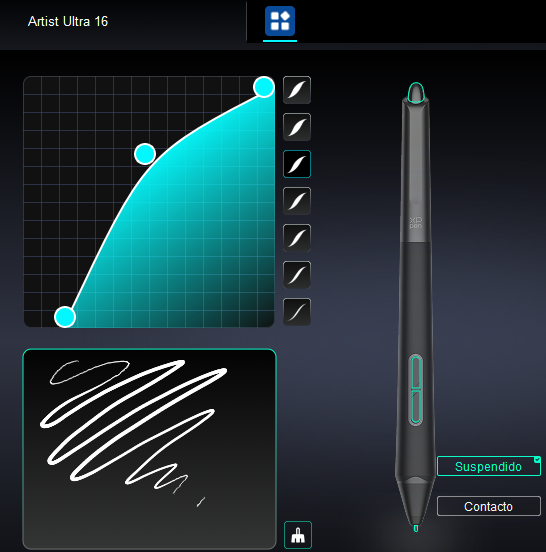
(Here are my settings in case you experience the same issue. Just keep in mind that this doesn't completely solve the problem, since that's more of a hardware issue).
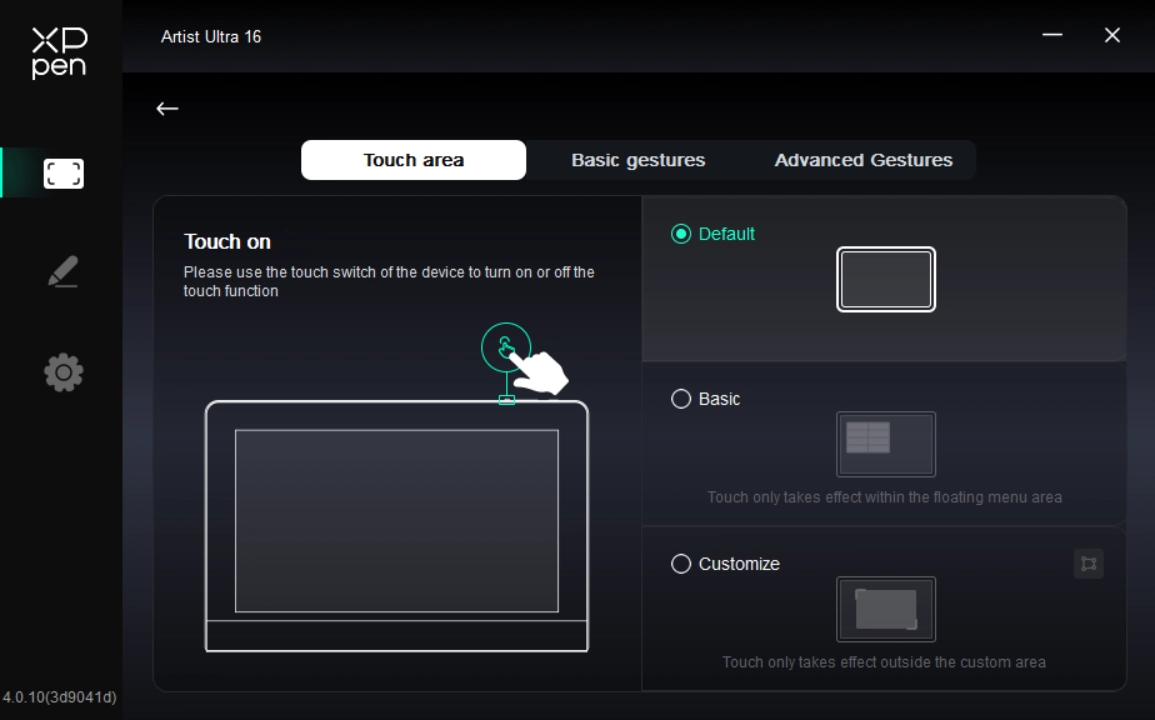
The touch feature has also helped me on several occasions, especially when organizing tools, so I don’t have to move my hand back and forth, but keep in mind if you live in a hot climate or have sweaty hands (as I do) that the sweat can seep through the glove and activate the touch feature. The XPPen drivers have different settings so that the touch function can only be activated in the floating menu or "outside" of the custom area, although I found it strange that the “Customize” option doesn’t allow you to do the opposite—that is, to choose the “inside” area where the touch function can only work.
Despite everything, I still think the Artist Ultra 16 is the best drawing display I've ever had: its colors, the quality of the materials, and the texture of the display make me want to keep drawing every day! ^_^
I just hope that someday there will be a Pro Slim Stylus with felt tips or tips made of some other material, because I love switching up my stylus, heh heh :P

 Artist Ultra 16
Comments