


A while back, I wrote a review of the Magic Note Pad, which mainly covered my first impressions and its key features, but now that I’ve been using it for a year, I can share more details about my personal experience with it.
NO EXCUSES
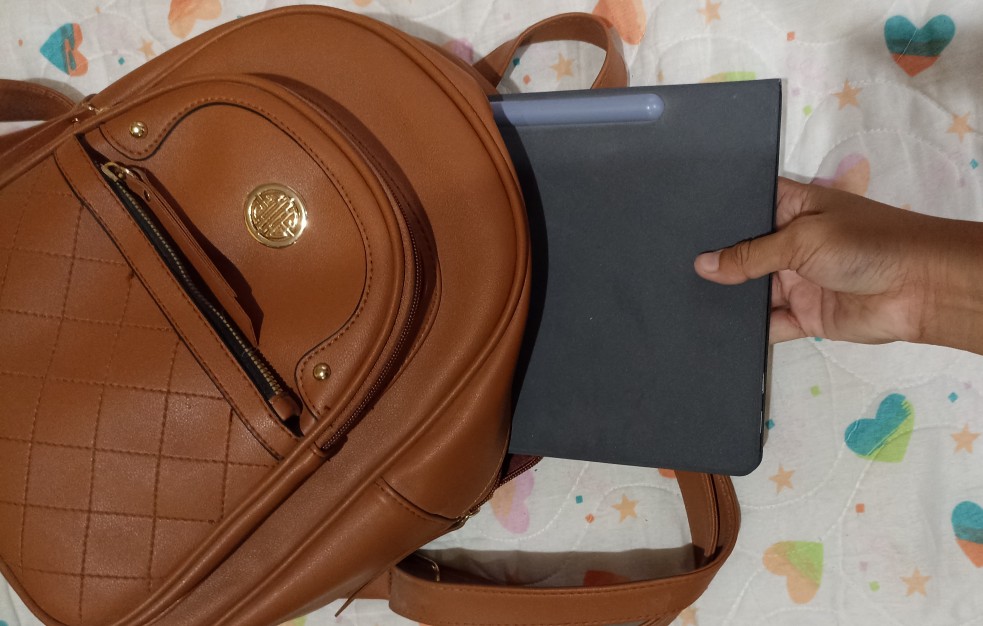
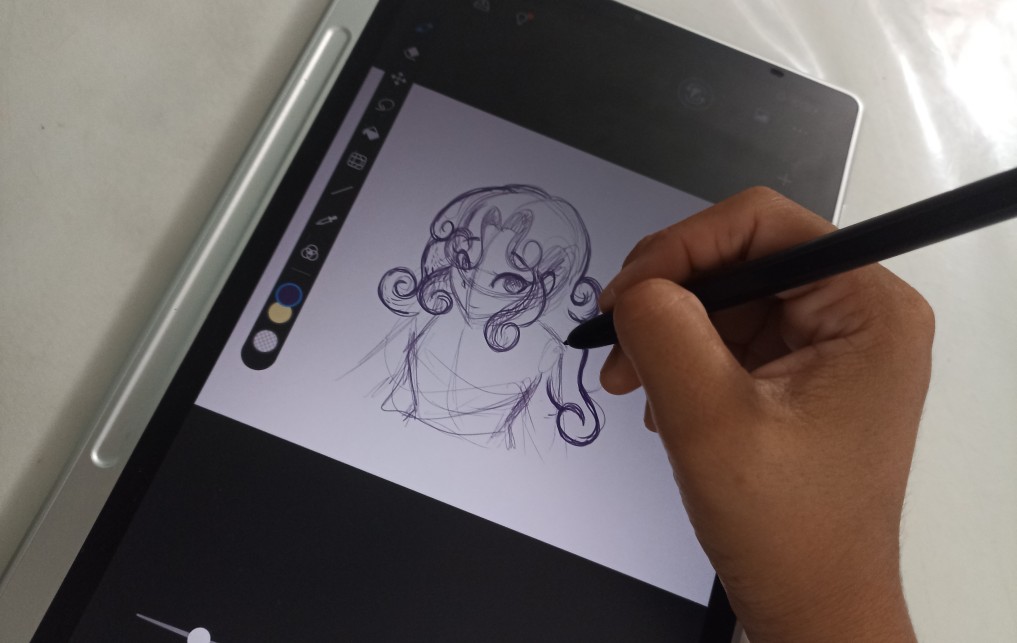
One thing I’ve always struggled with when drawing is being out and about and not having anything to draw with. Sometimes I’d just have a pen and a napkin, but ever since I’ve had this, I can draw anywhere, anytime, and in any place.
In the living room, on the couch, in bed, at a mall food court, even at the beach.
The only concern I might have is not having charged it enough, but I can draw freely without carrying a big backpack full of supplies that might get lost. Well… the art block is also a concern.
IT WORKS FOR EVERYTHING
- Is it just for note-taking?
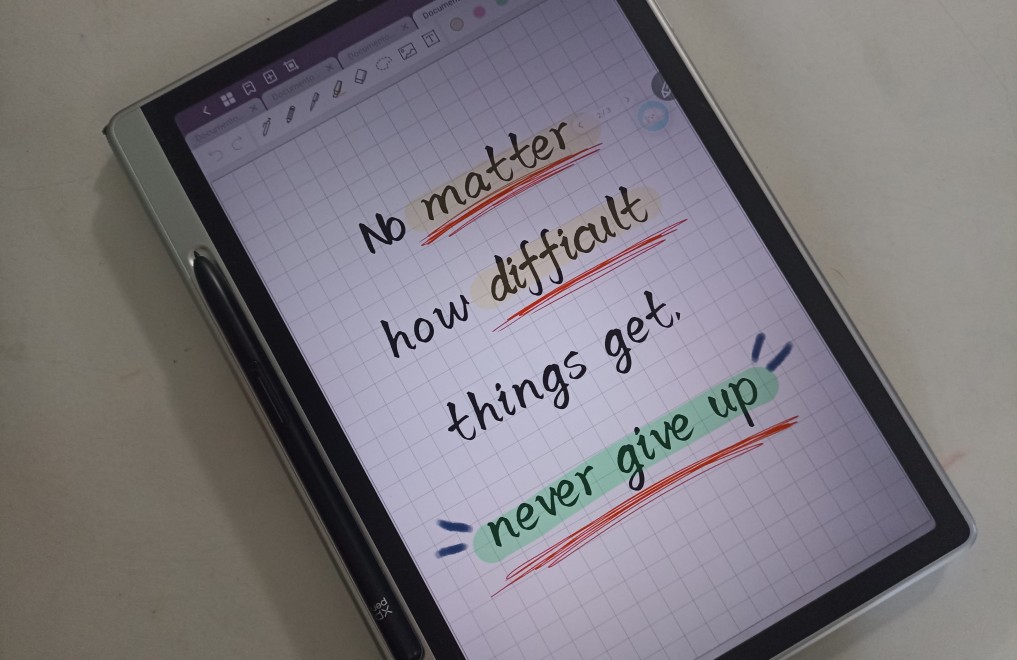
Not exactly. The included JNotes app works not only for note-taking, but also for sketching, drawing, writing, or reading. You can create your own document and export it as a PDF, or write notes and sign documents without having to install another app. It’s been a huge help when I’ve needed to sign or write on documents. I can also easily read documents and add images.
- Does it work like other tablets?
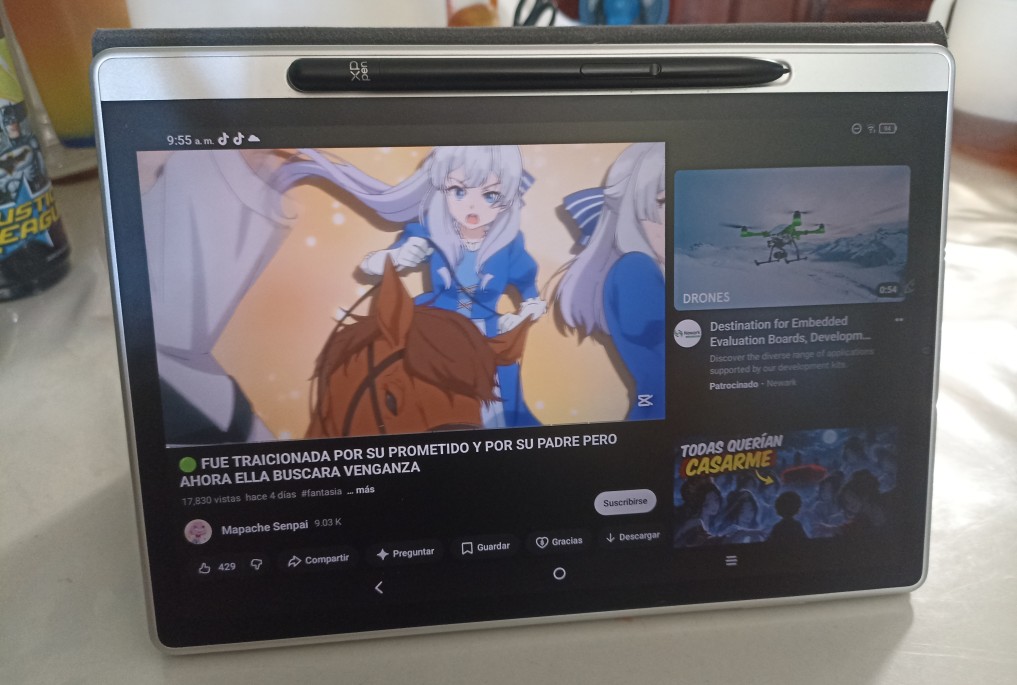
Yes, you can install apps, watch videos, play games, do research, and perform other tasks you’d do with a tablet from another brand. The only exceptions are that it doesn’t have a headphone jack or a rear camera. In my case, that’s not a problem since I don’t usually use headphones and I take photos with another device.
THE PERFECT TOOL
Ever since I got it, it's been a big help. Mainly for drawing anywhere and for practice. I can hardly ever use the computer at home, and my phone doesn't support some games, but with the Magic Note Pad, I can enjoy my hobbies. I can even watch movies!
It’s a great tool for me, and I’m sure it will be for you too. Especially if you’re a student looking for an affordable tool that helps you with what you need.


 Magic Note Pad
Comments