


WHAT'S IN THE BOX?
From the moment I opened the box, I was surprised by how neatly everything was stored and organized. If I put the tablet back in its box, it would be so much easier! And the fact that it came with a stand was a delightful surprise.
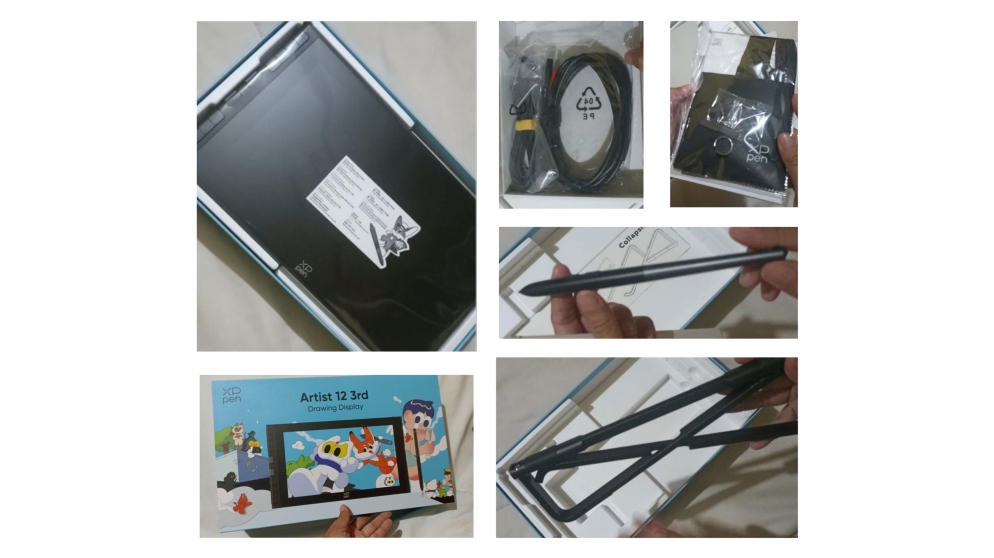
THE TABLET
Compared to the Artist 12 2nd gen, it’s smaller but in a good way.
- The borders are narrower:
This gives the screen where you draw more visibility and reduces the space between the keys, making them easier to access.
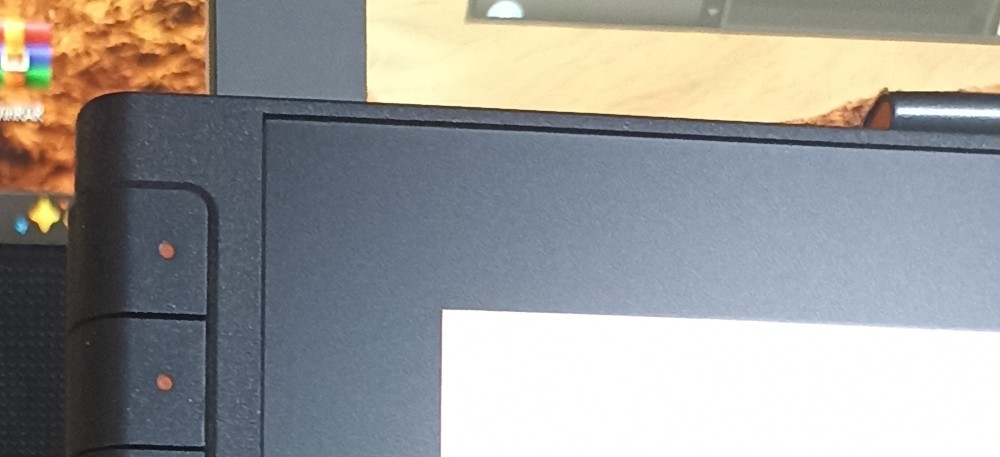
- The keys and X-Dial:
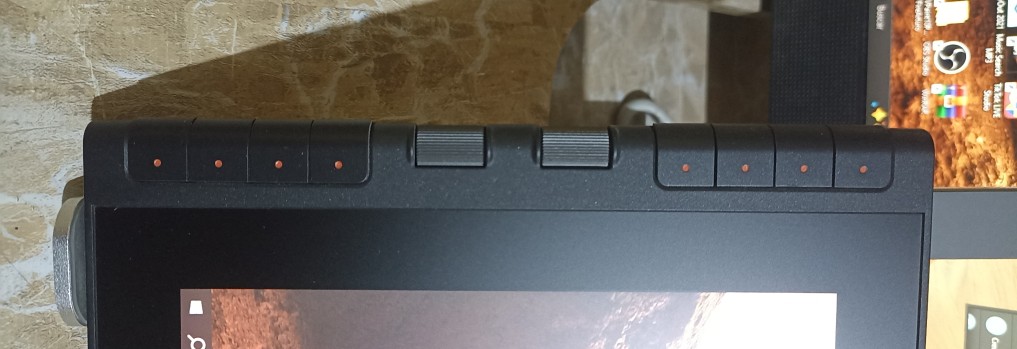
They’re slightly smaller, but thanks to that and the previous point, you get two extra dials! They’re small, but for me, they’re easier to control. They’re perfect for quickly adjusting the zoom, rotation, or pen thickness, depending on your preference.
This has really helped me reduce my reliance on the keyboard and stay focused on drawing, since I can easily access the shortcuts I use most often.
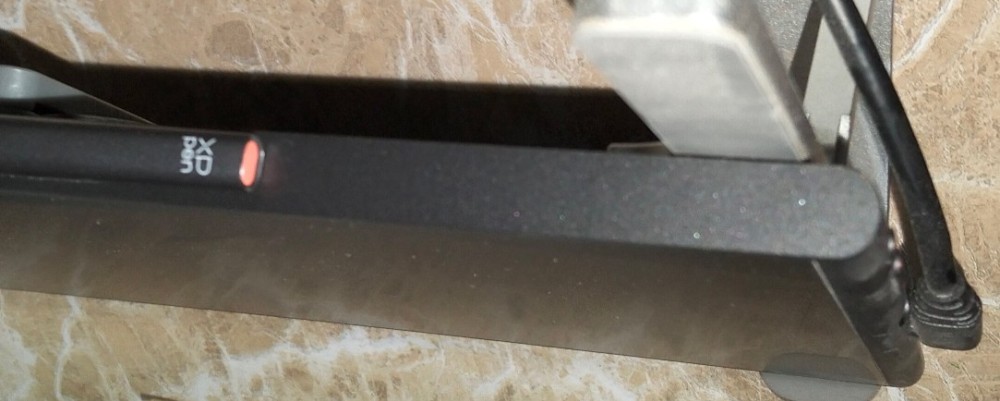
- Lighter Weight:
In addition to the borders, the tablet is thinner, which makes it lighter. The first time I took it out of the box, I was surprised by how light it was. That’s why I can handle and move it more easily.
- Screen:
Its paper-like texture makes it feel quite pleasant when drawing; you no longer feel like you’re drawing directly on a screen.
Goodbye, scratches and glare!
Thanks to the screen’s construction, it’s anti-glare and scratch-resistant. So far, I haven’t gotten a single scratch, and I can draw with the lights on without any annoying glare.
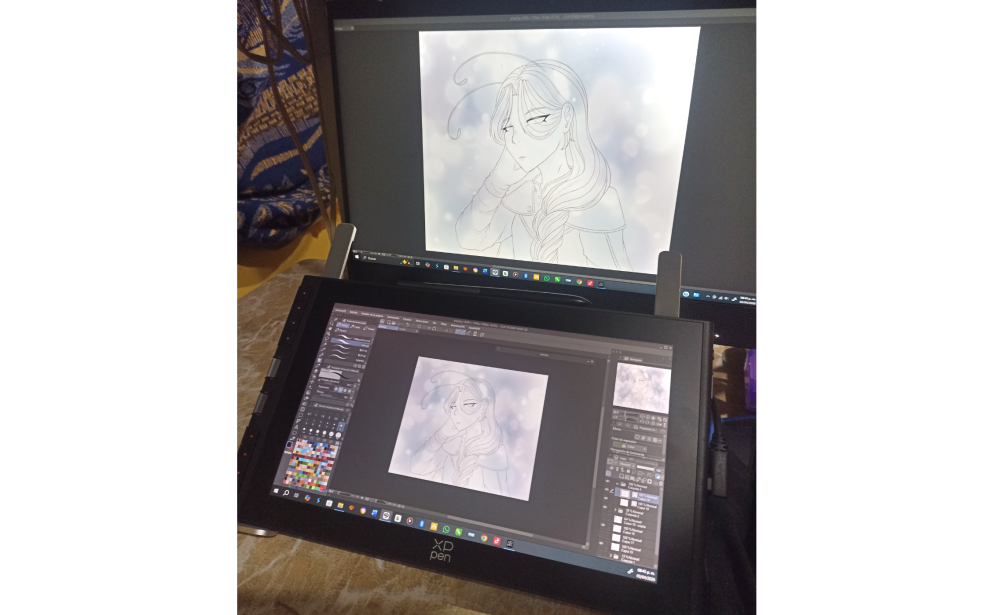
- Screen Colors:
From the very first time I turned it on, I liked how vivid the colors looked and how similar they were to my computer screen, so I didn’t have to adjust anything in the driver. This is a feature similar to the Artist 24 Pro that I loved.
- Brightness:
The only issue is that the buttons to control the tablet’s brightness can malfunction, so to lower it, you’ll have to do it manually through the driver.
THE STYLUS
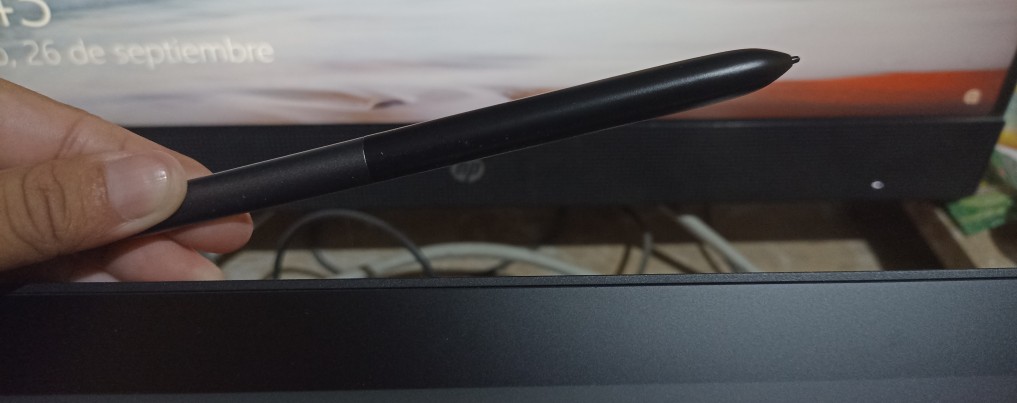
It’s a little thinner and lighter than its predecessor, the Artista 12 2nd gen. Its strokes feel quite light thanks to its x4 chip and 16,384 pressure levels.
- You can barely feel the tip moving:
As someone who has used various tablets, this was something I noticed right away
It’s just like drawing with a pencil!
And best of all, it’s magnetic! Now I keep the pen in one place, where it’s easy to grab when I
need it.
PORTABLE STAND
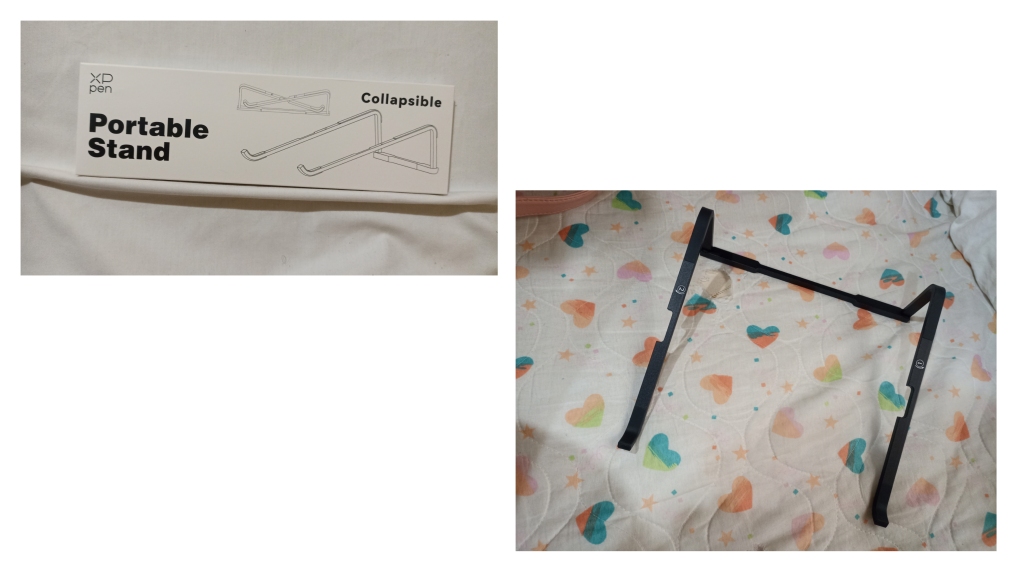
It’s quite sturdy thanks to its aluminum construction and super easy to set up or put away. However, due to its size and design, I can’t use it on my desk.
Nevertheless, there’s no doubt that it’s a great tool.
COMMENTS
The transition from the 2nd to the 3rd version was a major innovation. It features quite a few changes and improvements that have made it my primary drawing tool when using my computer. It’s super comfortable and looks much better.


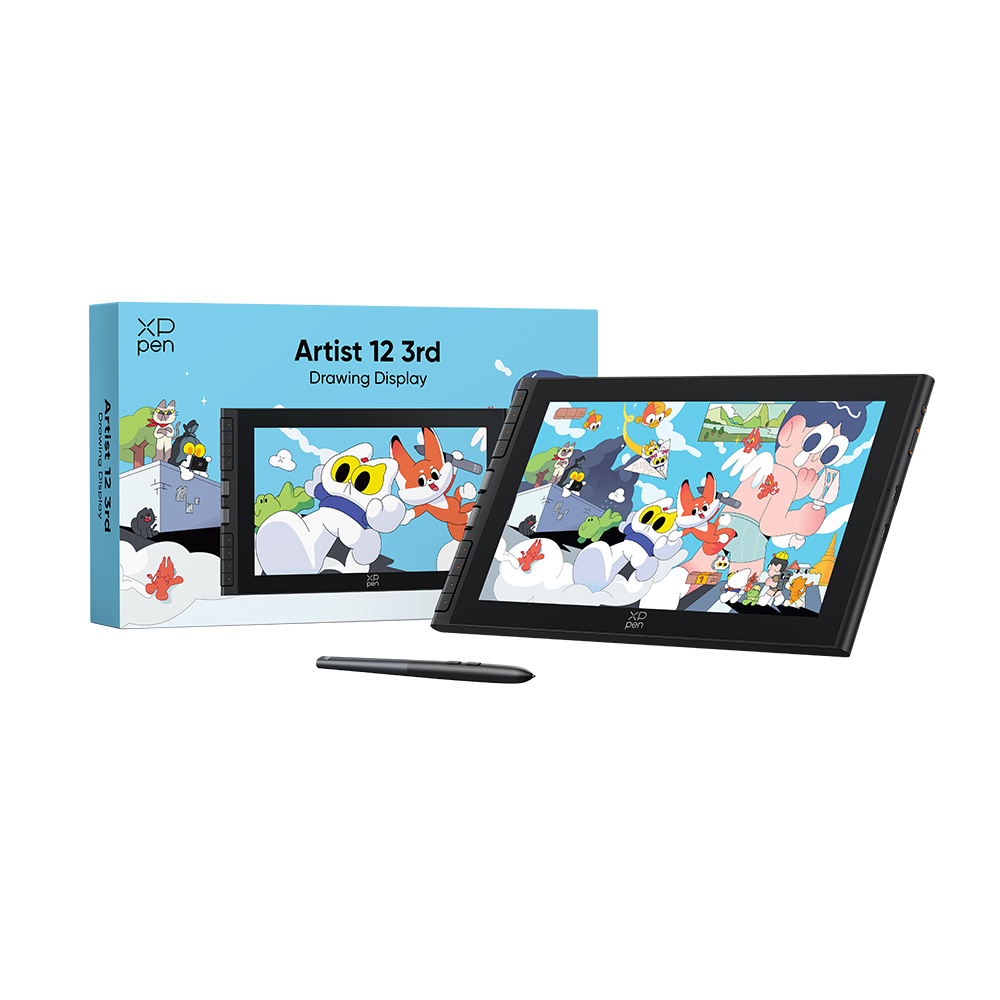 Artist 12 3rd
Comments