



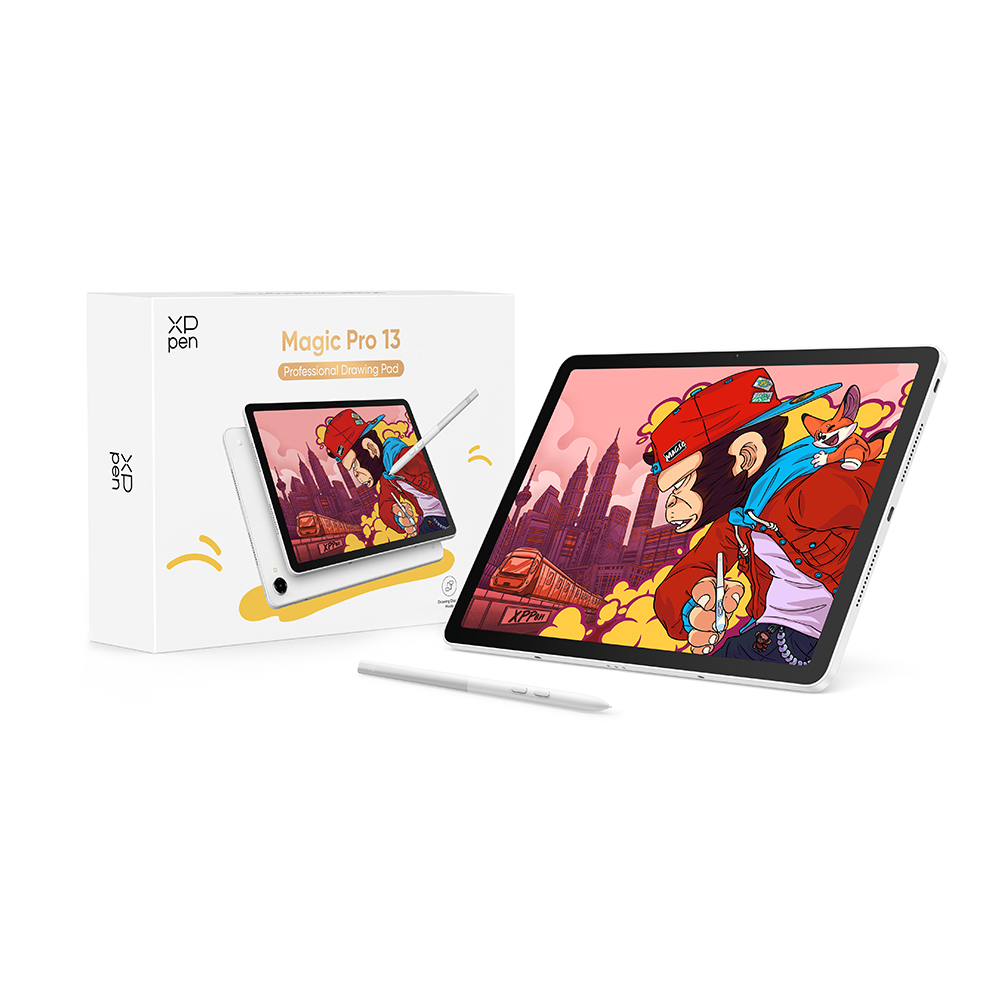
Hello XPPen community! 👋 I'm happy to share with you my experience using the new XPPen Magic Pro 13. Many of you probably already know the Magic Drawing Pad, and a few days ago XPPen introduced its new version, the Magic Pro 13, with several improvements and interesting features. Today I want to tell you how my experience drawing with it went. I'm a drawing content creator and I'm passionate about both traditional and digital drawing. You can find me on social media as @Cornspiration. I've also had the opportunity to try several XPPen tablets before, so I want to share an honest opinion about my experience with the Magic Pro 13.
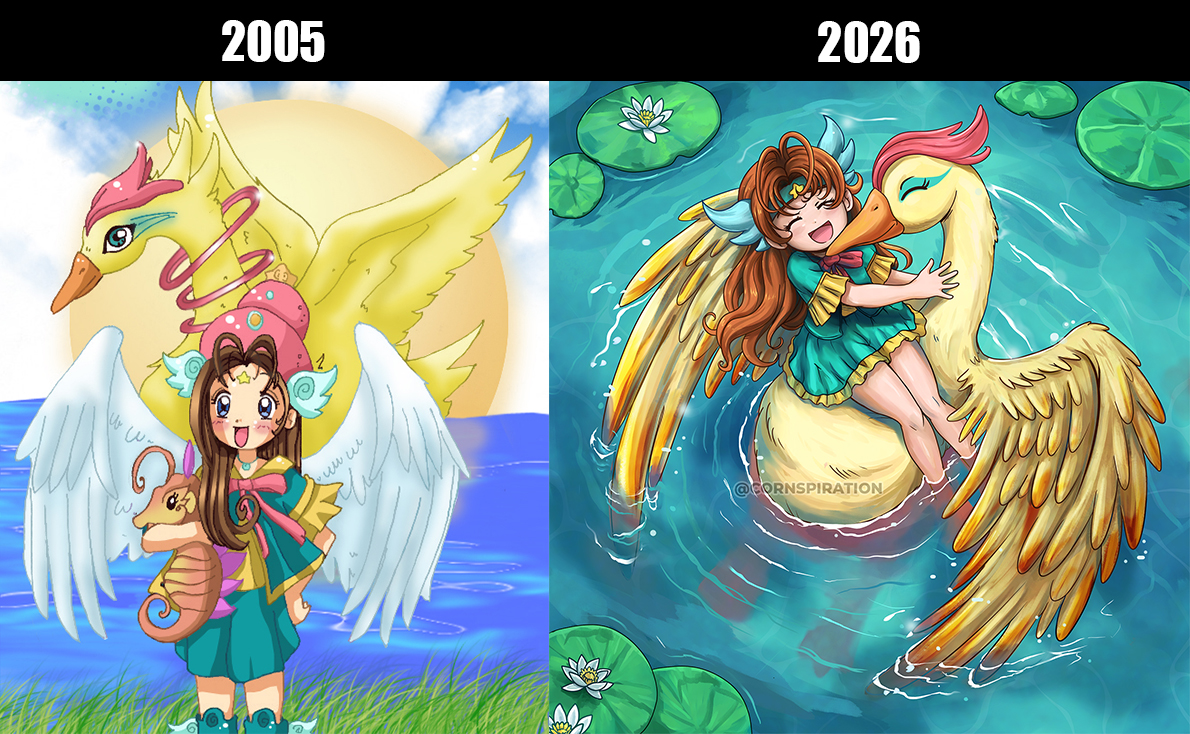
The drawing I made for this occasion is a small tribute to my past self. I started drawing digitally when I was 15 years old, using only a mouse and a scanner. One of my first drawings was of this magical girl accompanied by fantastic creatures, inspired by the magical worlds of anime series I liked, such as Cardcaptor Sakura and Doremi. It fills me with nostalgia to illustrate these characters again after so many years, especially when I think about how I started drawing with such simple tools and how today I have the opportunity to use the Magic Pro 13.
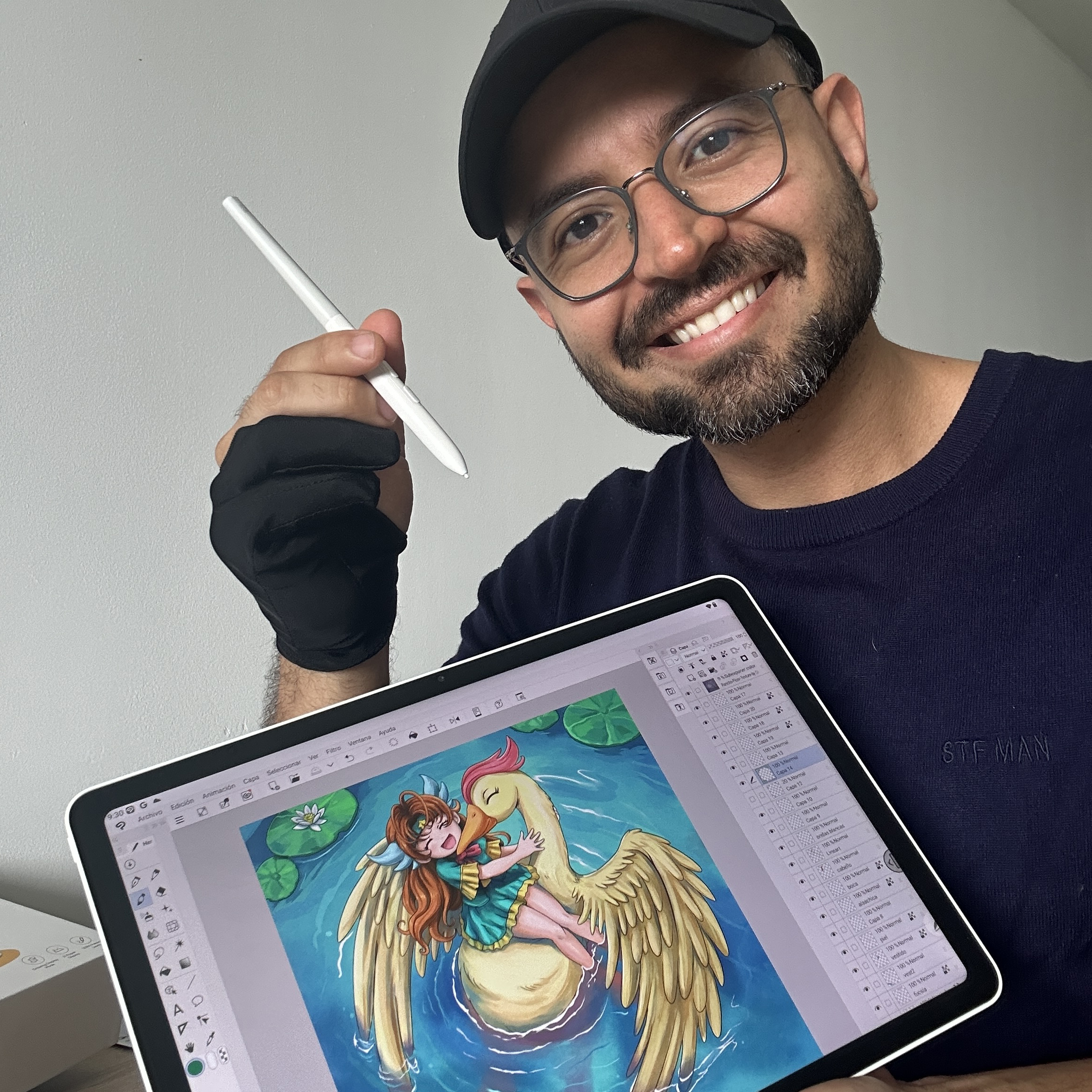
To create it, I decided to use Clip Studio Paint, so I'm also sharing the video of the complete process, recorded directly from this program, where you can see everything from the construction of the sketch to the lineart and coloring. At the end, I used Photoshop to make some color adjustments.
One of the things that caught my attention the most about this tablet is definitely its portability. It's lightweight and has a very practical size, so I can easily carry it and draw wherever. Being able to work without depending on a computer is very practical, although you can also connect it to your PC and use it as a pen display.
The screen size seems ideal for drawing to me, since it's neither too big nor too small. Also, Clip Studio Paint adapted quite well, as I was able to comfortably organize the canvas and the different tool windows without feeling like I lacked space to work.
Another aspect I really enjoyed was the experience with the pen. It has 16,384 levels of pressure sensitivity, and although I honestly wouldn't know how to verify that number, I can talk about what I felt while drawing. Of all the tablets I've tried, this has been one of the most comfortable for me in terms of the smoothness of the strokes and the pen's response to the pressure of my hand. The screen has a matte texture that is very pleasant to the touch, and the pen's movements are reflected quite faithfully on the canvas.
As for the battery, I also had a good experience. I worked for long, continuous periods and didn't feel that it drained too quickly. I also really liked the sharpness of the screen and the color representation. During the process, I was able to work comfortably with the colors I wanted my illustration to have.
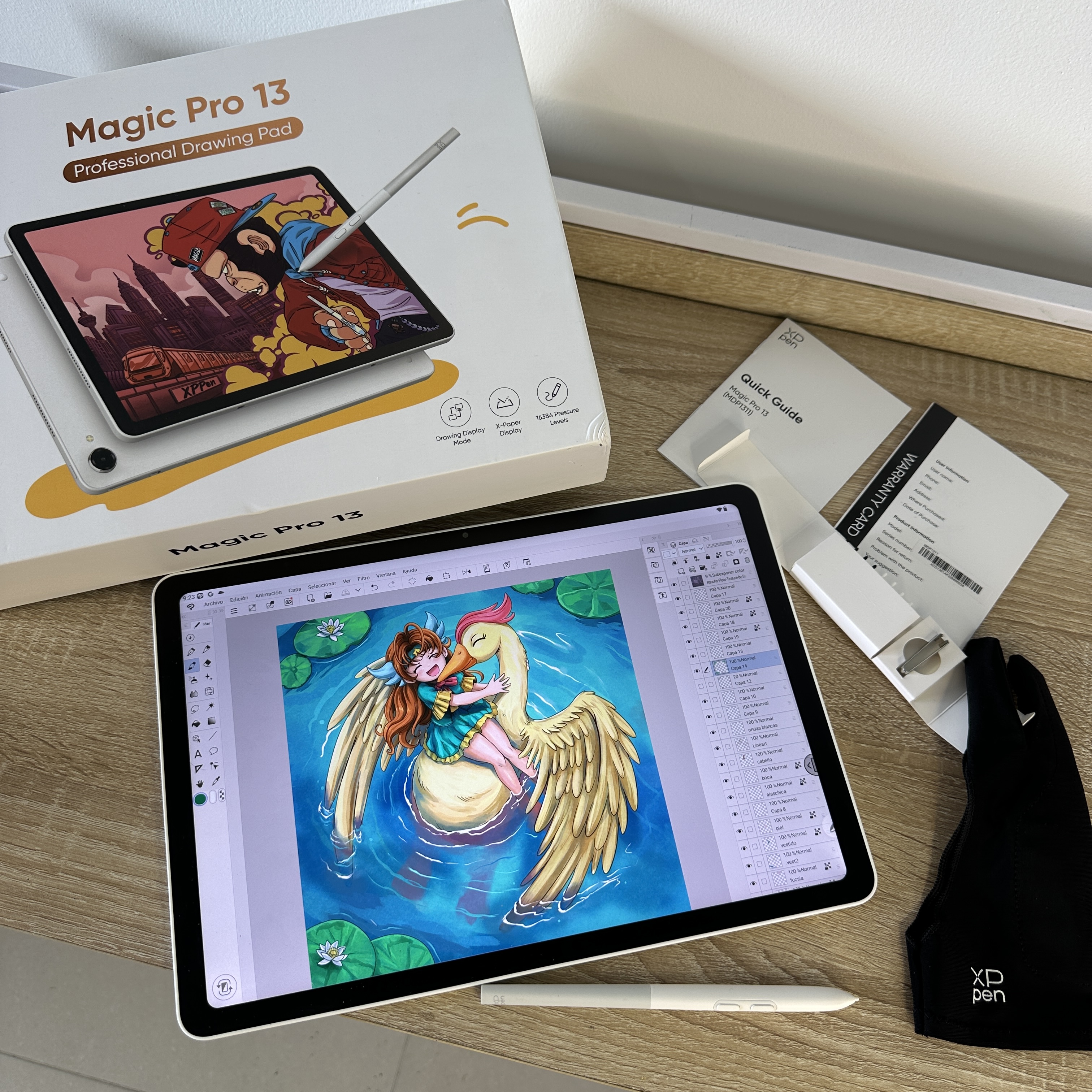
During the unboxing, I noticed that this tablet comes with eight replacement pen nibs, as well as a drawing glove that, by the way, I found extremely necessary when drawing, because it made my hand slide more easily when touching the surface.
A pen nib remover, a tool to remove the microSD card tray, and a multifunction USB-C cable are also included.
However, there were some details I missed compared to the previous Magic Drawing Pad. For example, I would have liked it to include a protective case and a charger, accessories that did come with that version and that I consider quite useful.
On the other hand, during the drawing process, I found a couple of aspects that could be improved.
The first has to do with accidental touches on the screen. On some occasions, when resting or sliding the back of my hand across the canvas while drawing with the pen, strokes were created that I didn't intend to make. On the Magic Pro, you can disable the touch function so that the tablet only receives commands from the pen. However, in applications like Clip Studio Paint, using your fingers makes life easier because with them you can do, undo, zoom in on the drawing, etc., more easily. So I think this is something that could be improved, or I don't know if I'm unaware of some option that makes this process more comfortable. If you know of one, please don't hesitate to share the information with me.
The second detail is related to performance when using large brushes. When I increased the size of a brush too much and started painting, I sometimes noticed a slight delay between the movement I made and the appearance of the stroke in the program. However, this only happened with this type of brush, which I imagine was putting too much load on the tablet.
Overall, my experience drawing with the Magic Pro 13 was quite positive. I especially enjoyed the comfort of the pen, the feeling of drawing on its screen, and the freedom of being able to work without sitting in front of a computer. And beyond the technical features, I liked that this experience allowed me to return to one of my first digital drawings.
I hope you liked the result, and many thanks to XPPen for giving me the opportunity to try this tablet! ❤️
If you'd like to know more about my experience with Magic Pro 13, feel free to leave a comment below — I'd be very happy to share more and answer your questions!
✨As a little bonus, if at least 30 different creators join the discussion between November 16 and 22, XPPen will randomly select one participant from the comments to receive a Deco 640.

 Magic Pro 13
Comments