


🎨 Pixel Art Tips that helped finish a whole game in 3 months for school without previous experience in pixel art
I wanted to share a bit of my pixel art experience, since it's not something i see a lot getting posted in the community and just in case someone here is interested!
this are the things that helped me start ^^
1. Use references — both real life AND other pixel artists.
Real life teaches you how light, form, and color actually behave (like in every illustration you approach). Other pixel artists teach you how to translate that into a tiny grid. Study how experienced artists resolve complex stuff — hair, foliage, metal, folds — and try to understand why their solution works, especially since in the beginning the tiny pixels look like something to "deal with" but in the end this limitations pixel art have are actually a tool you are just yet to discover how to use!
2. Watch your resolution — keep pixel sizes consistent!
This one is really important, especially if you'll be using your pixel art for a game or a project. Mixing pixels of different sizes is a common mistake when you're starting, having different resolutions and scales make things look off and it makes the pixels look different
Now, what is this whole "scale/resolution" thing you ask? In pixel art, resolution affects our individual pixels size, where a 16x16 piece has somewhat "big" pixels a 64x64 has tiny ones, allowing us more detail
credits here
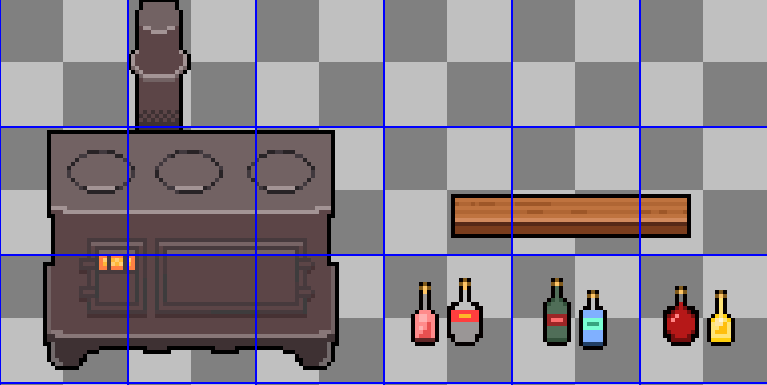
3. Use grids to keep your scale and alignment perfect.
This helps a ton specially if your going to use your pixel art for a project or videogame, this helps you once you've picked your resolution, to make things consistent while having stuff from different sizes
4. Keep your line weight consistent.
If your line art is 2 pixels thick, keep it 2 pixels thick. Inconsistent line weight could look like having different pixel resolutions
5. Use pixel-perfect line tools.
Most software has a "pixel perfect" tool — use it! It removes those awkward doubled pixels and L-shaped jaggies on curves and diagonals.
6. Choose your software deliberately.
Aseprite, LibreSprite, Pixquare, Photoshop, Krita — each has strengths. Pick one that fits your workflow (and your budget) you can also watch tutorials to know every tool and use your program to the best of it's extent!
aseprite has it's free version libresprite, it's a great place to start
7. Sculpt using shadows and lights.
decide where the light comes from and build the form with shadows and highlights to give your art volume! 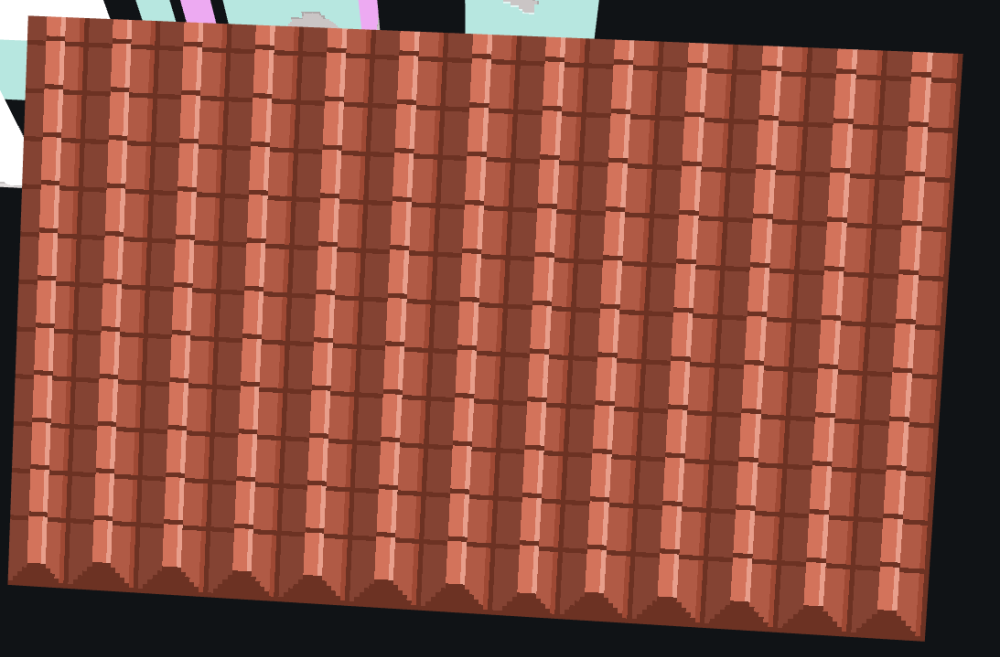
8. Start small
Don't jump into huge canvases right away. Start with simple objects, in pixel art sometimes more pixels and more resolution make things harder
this also applies to your colors, start with small even pre made color pallets for pixel art!
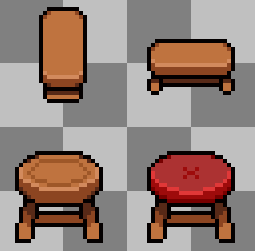 First game assets i did
latest ones
9. Practice a lot!
Pixel art is hard even if you are already an artist, it's really an specialization and a skill that requires tons of time
when working in pixel art always make sure to:
Zoom out regularly — check your piece and see how easy it is to read
Avoid "pillow shading" — Light has a direction!
Think in shapes! some pixel artist even say it's more like sculpting than drawing
10.- Have fun! pixel art is such a fun way to create, enjoy your process 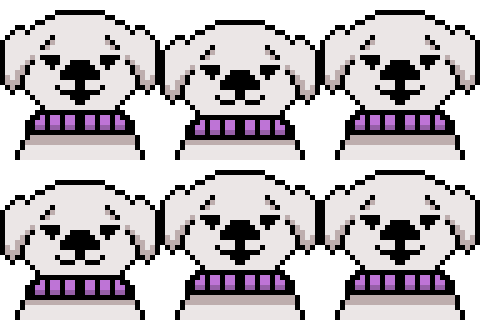
that would be it, if there is more experimented pixel artist here please do share your tips with everyone!

Comments